- Official website: https://langbot.app
- Downloads: https://github.com/langbot-app/LangBot/releases
- Official docs: https://docs.langbot.app
- GitHub: https://github.com/langbot-app/LangBot
Connect Dli.li AI
LangBot can work with self-hosted compatible gateways and can also connect directly to Dli.li AI.
Usage
Get an API key from the Dli.li AI
API Tokenspage.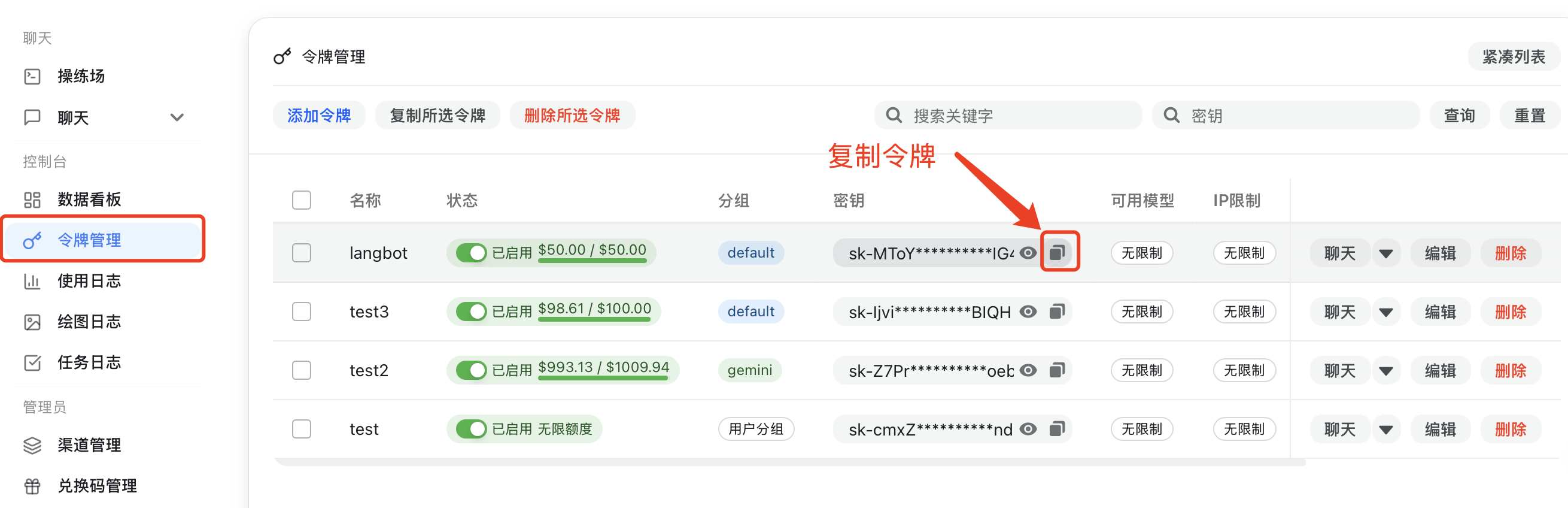
If you are using a self-hosted compatible gateway, configure the API address yourself and make sure it ends with
/v1. If you are using the official Dli.li endpoint, you can start with the official default APIhttps://api.dli.li/v1; if you want the official backup API directly, usehttps://api.dlizz.com/v1.Add a model in LangBot. Choose
NewAPIas the provider and fill in the API key and API address.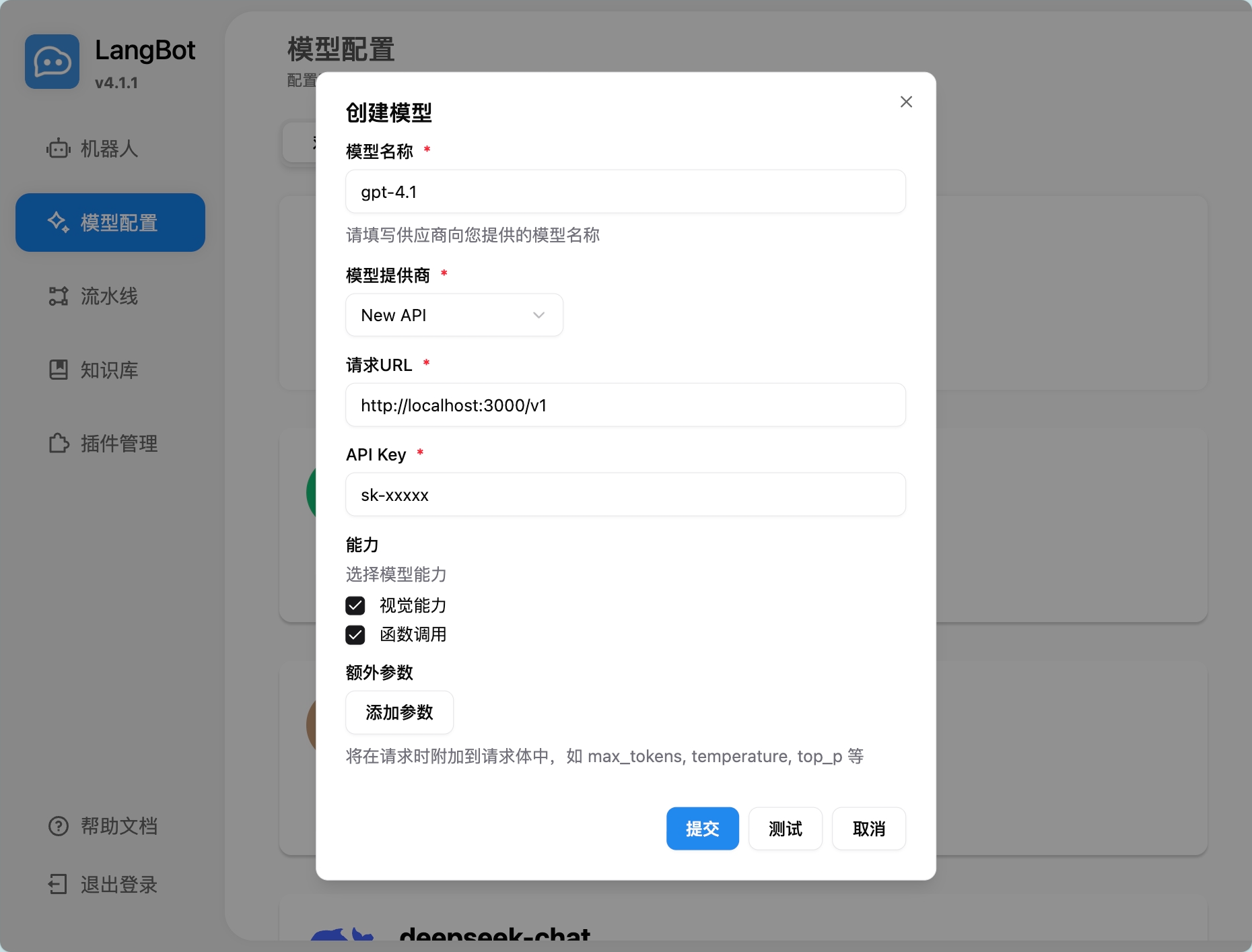
Select the model inside the pipeline.
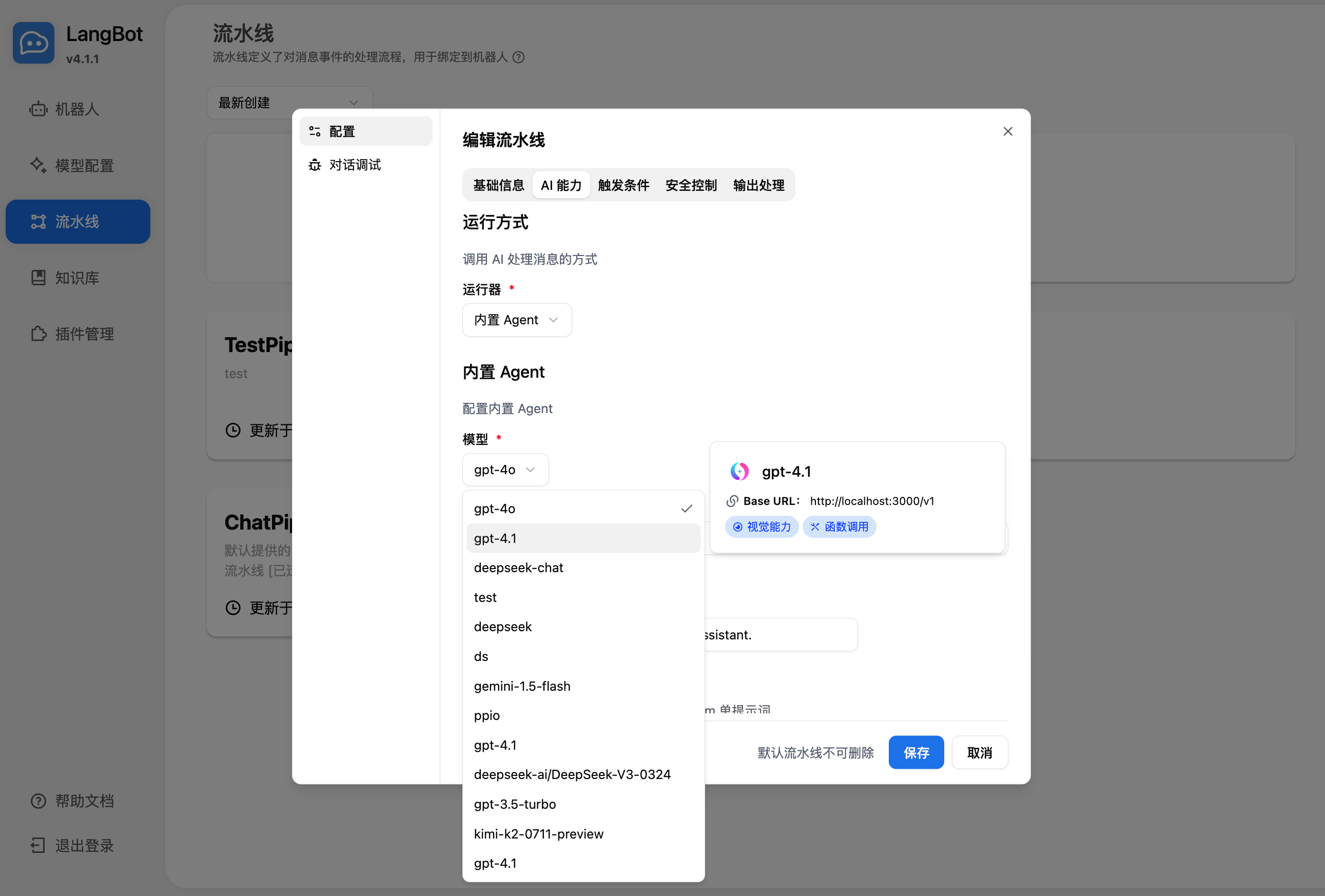
Use it in conversation debugging or by chatting with a bot bound to that pipeline.
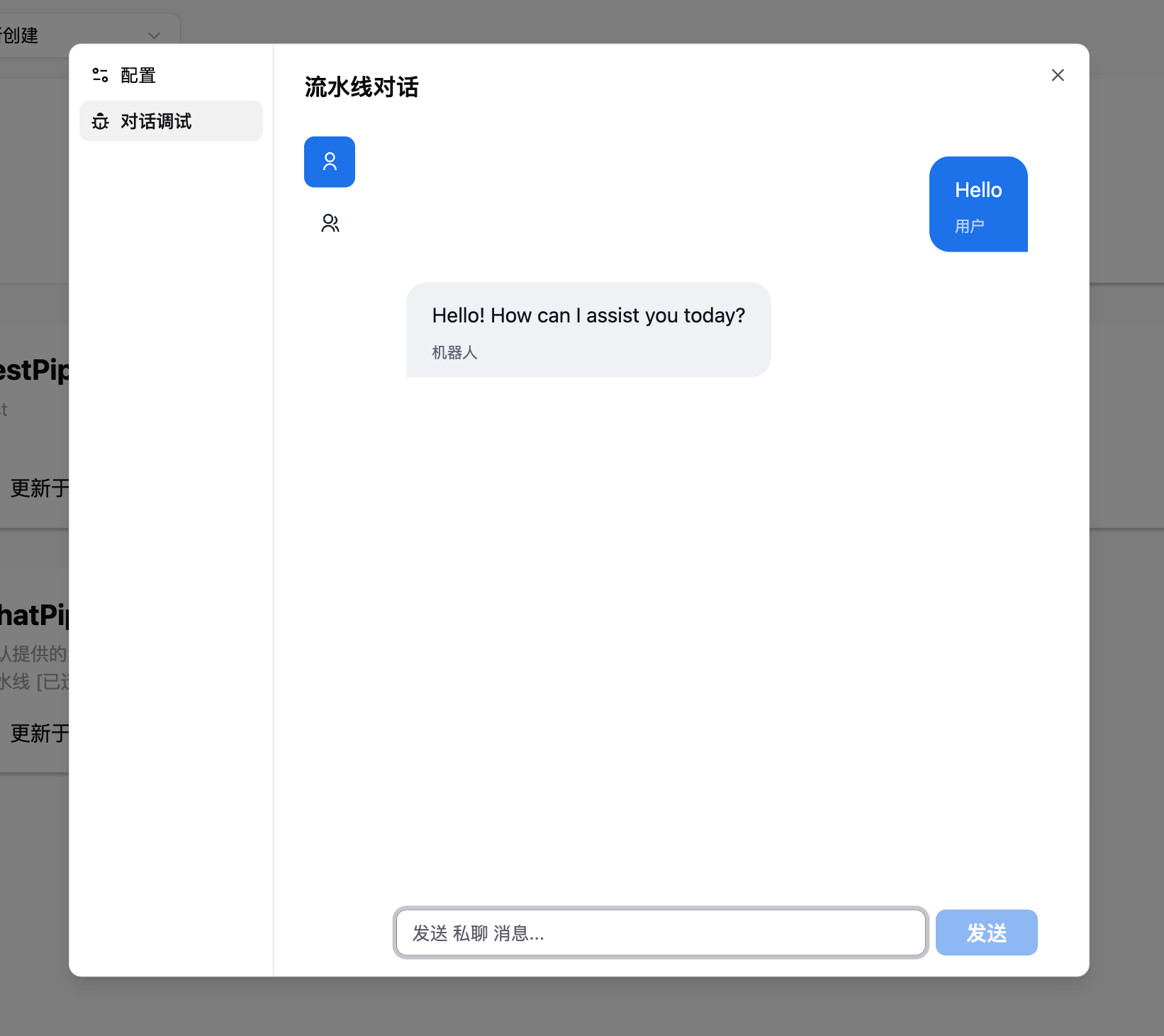
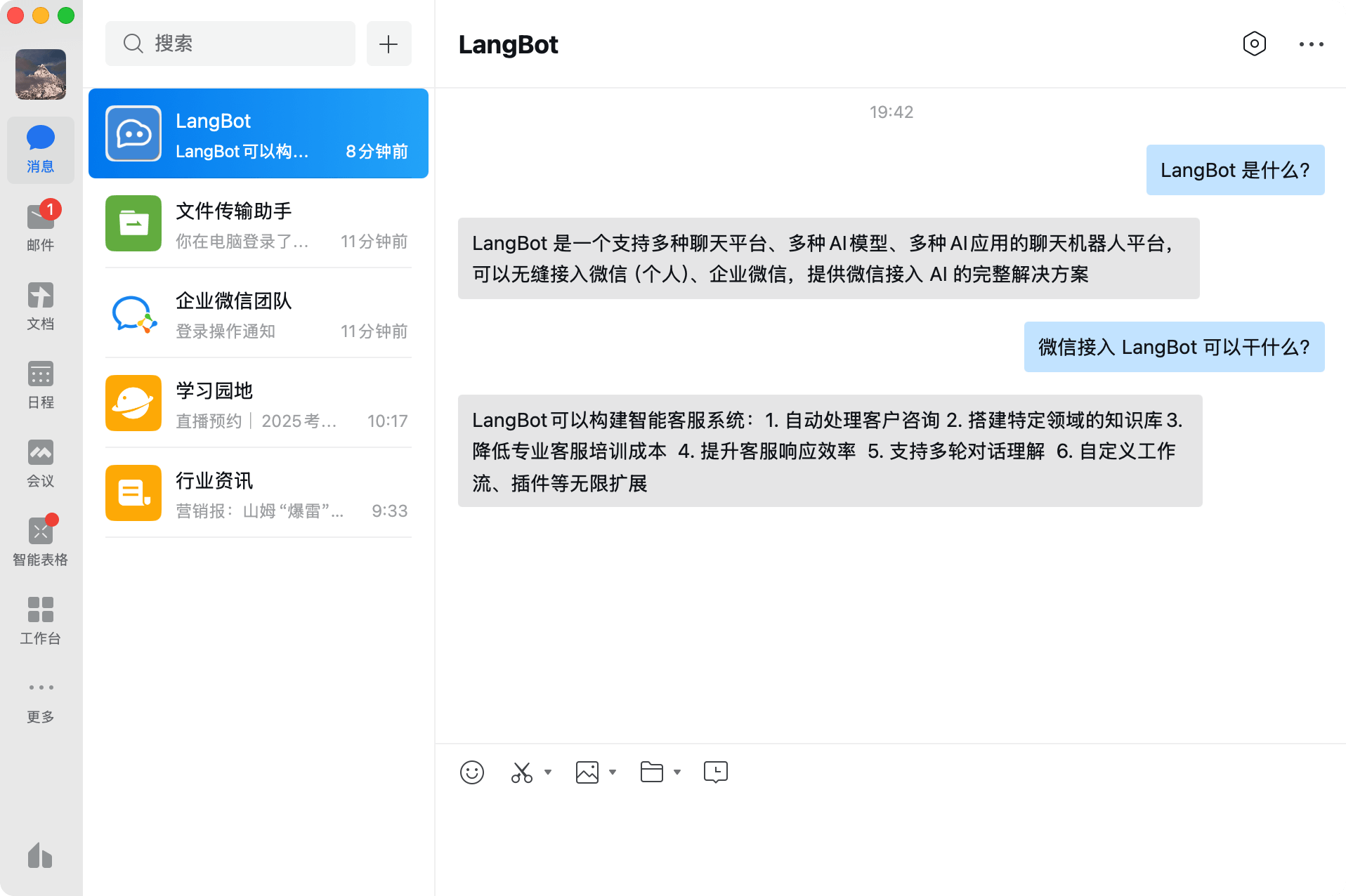
For deployment and platform-specific bot setup, see Deploying Bots.
Using embeddings for the knowledge base
LangBot can also use embedding models exposed through Dli.li AI as vector models for its knowledge base.
Add an embedding model in LangBot and choose
NewAPIas the provider.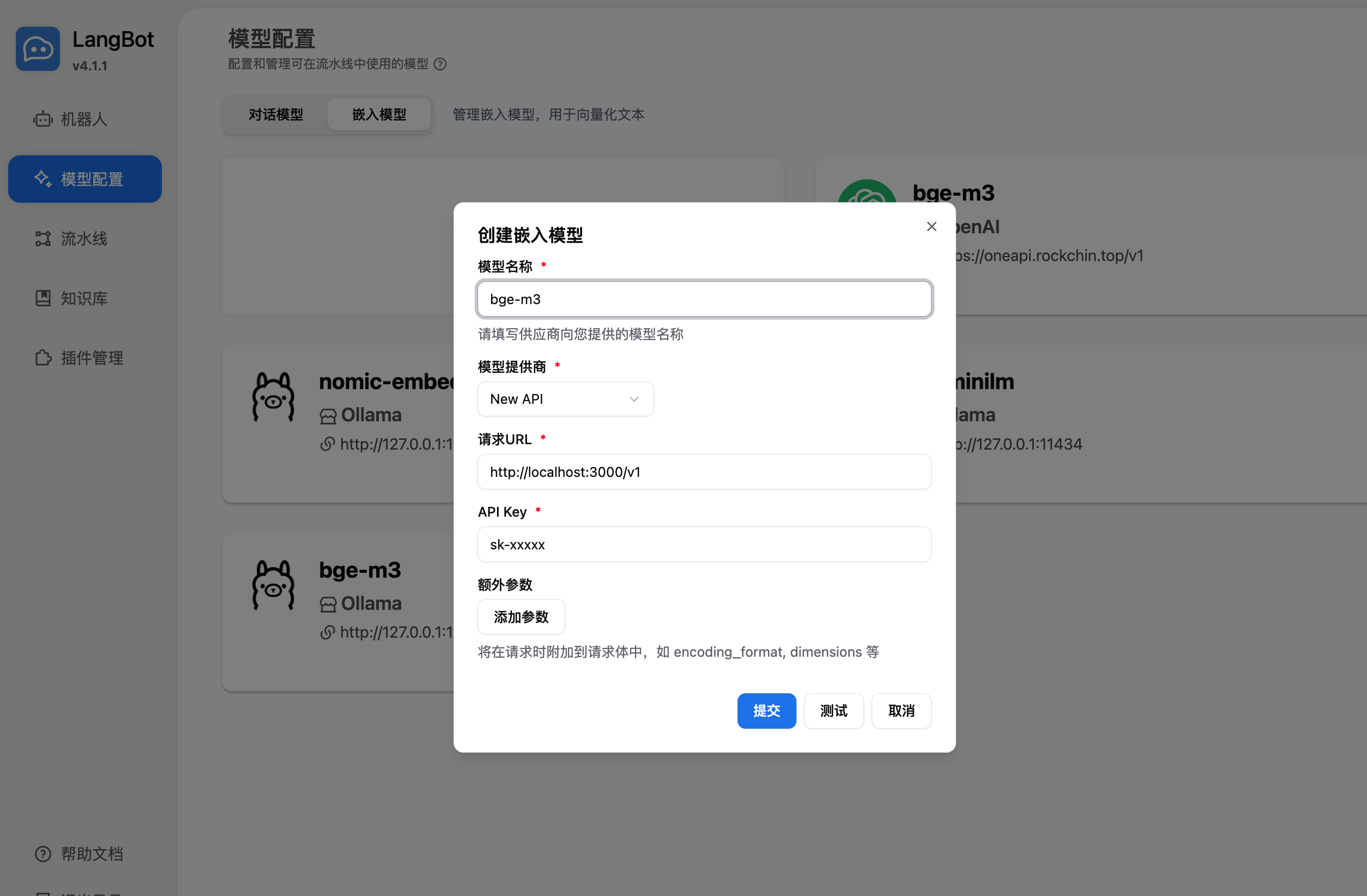
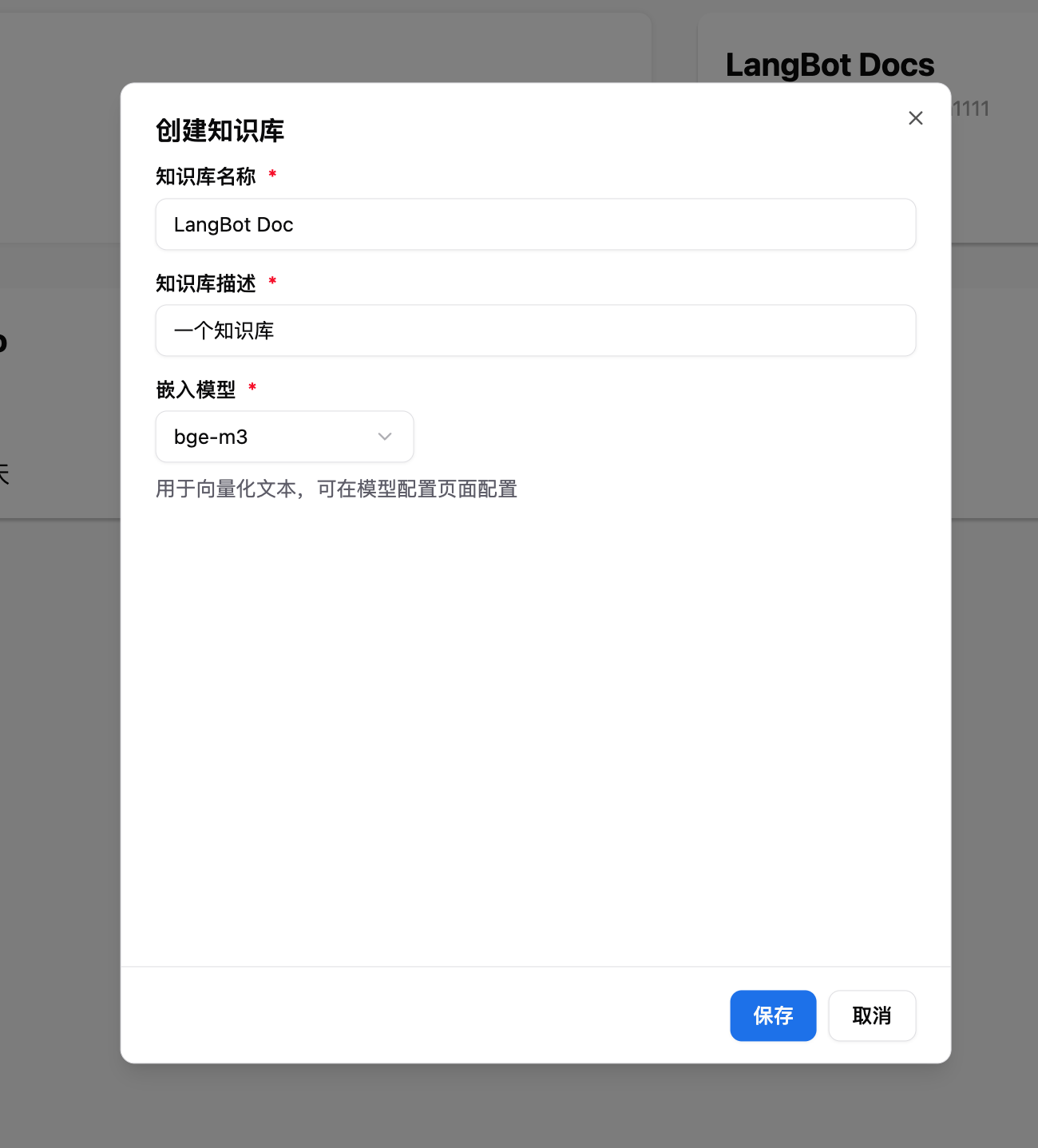
Select that embedding model when creating a knowledge base.
For more details, see the official LangBot docs: https://docs.langbot.app