
Project introduction
- Official page: https://www.anthropic.com/claude-code
Dli.li integration notes
Claude Code is often used together with projects such as Claude Code Router (CCR) and CC Switch. Regardless of the wrapper, confirm model and interface compatibility first.
If you plan to use CCR, read CCR first. In this docs site, CCR specifically refers to the musistudio Claude Code Router project, not a generic routing label.
| Type | URL |
|---|---|
| Official default API | https://api.dli.li/v1 |
| Official backup API | https://api.dlizz.com/v1 |
API recommendation
Claude interface limitation
Demo
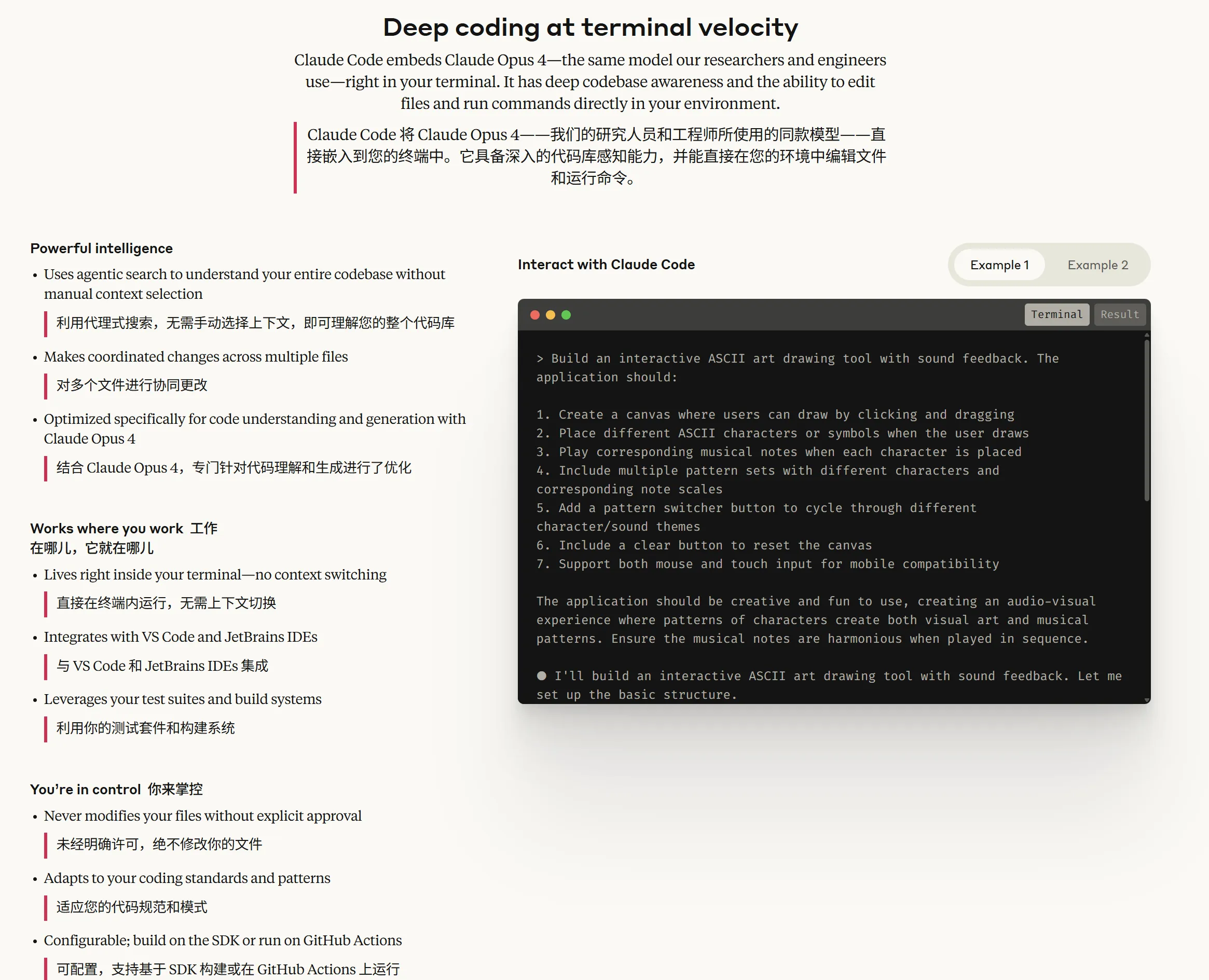
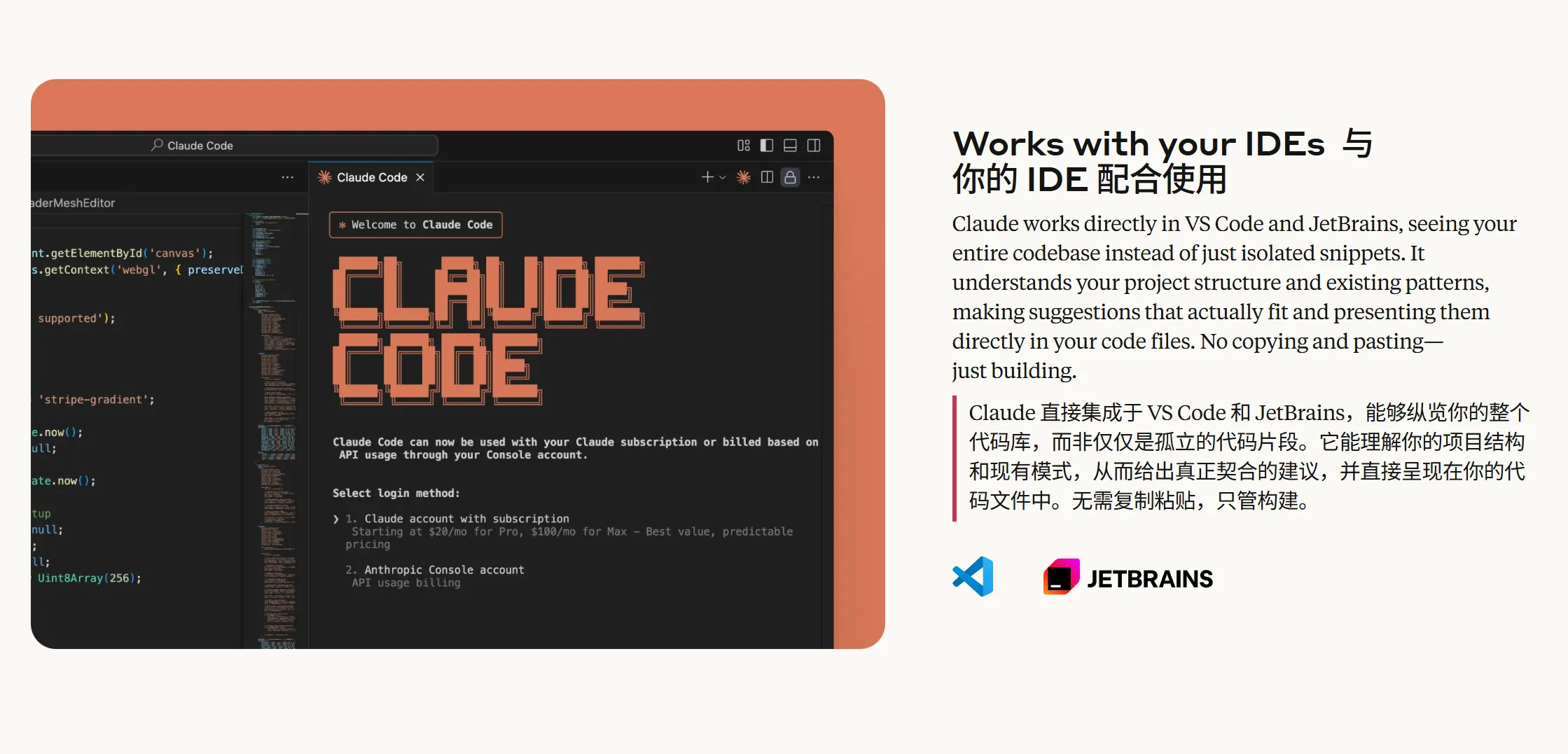
Features
| Category | Feature |
|---|---|
| Code understanding | Deep codebase analysis and high-level project overviews |
| Code editing | Multi-file edits and architecture-aware code suggestions |
| Integration | Works directly in terminal and integrates with IDEs |
| Generation and optimization | Helps generate code, tests, and fixes |
| Safety and flexibility | Explicit authorization flow and configurable behavior |
| Toolchain integration | Works well with GitHub, GitLab, test suites, and build systems |
| Cross-platform support | Windows, macOS, and Linux |
Model setup
Windows guide
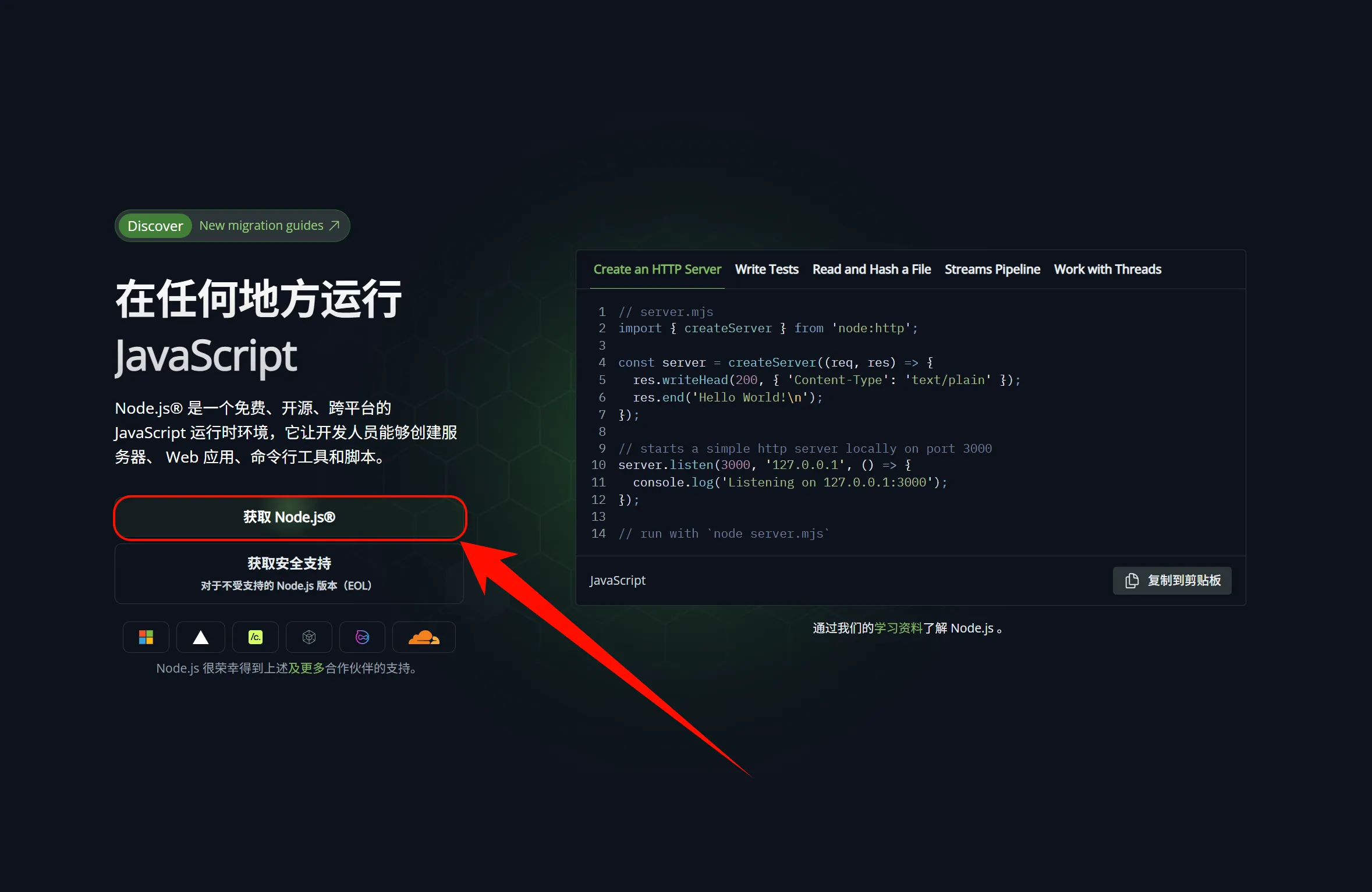
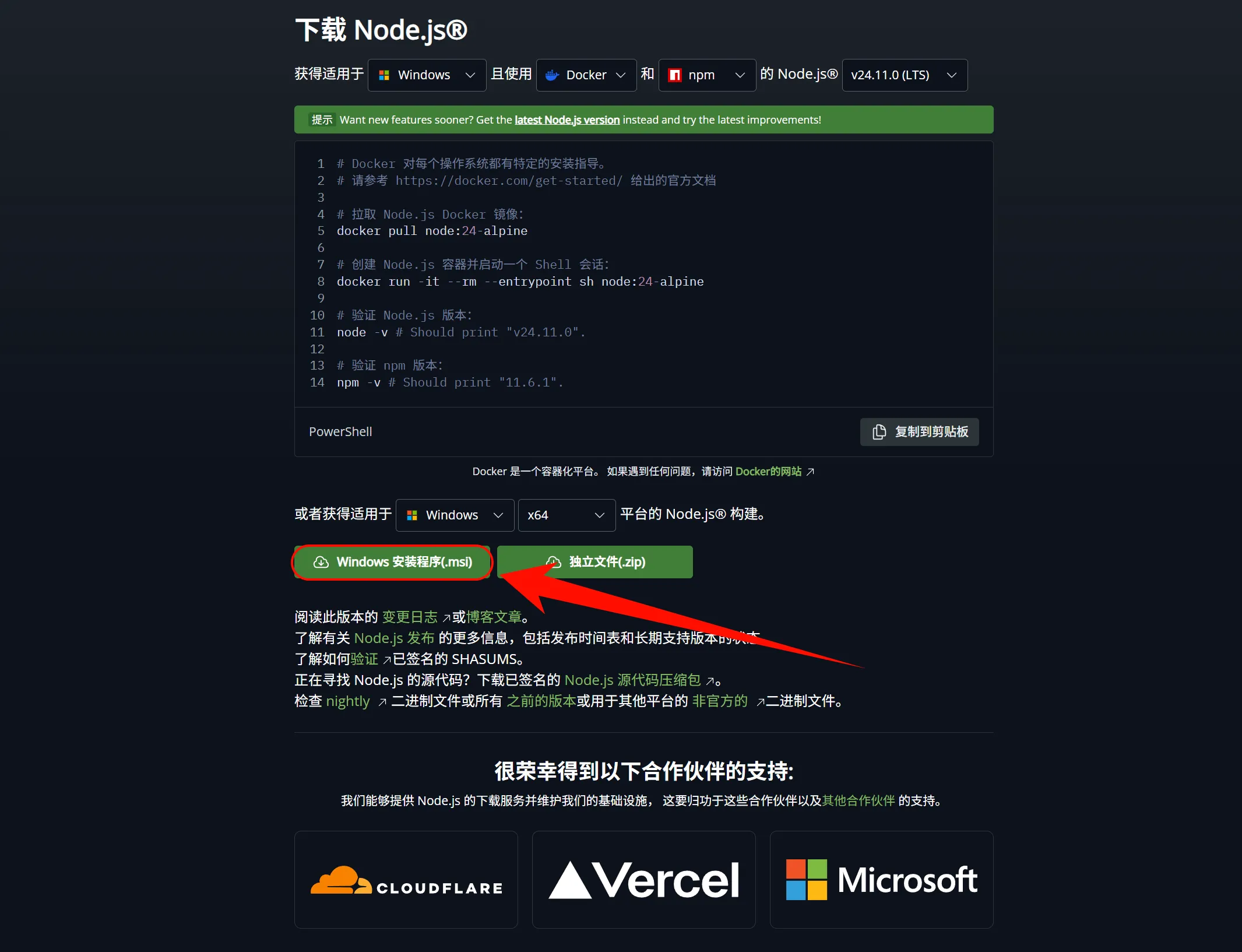
1. Install Node.js
Claude Code requires Node.js.
Node.js installation
Windows notes
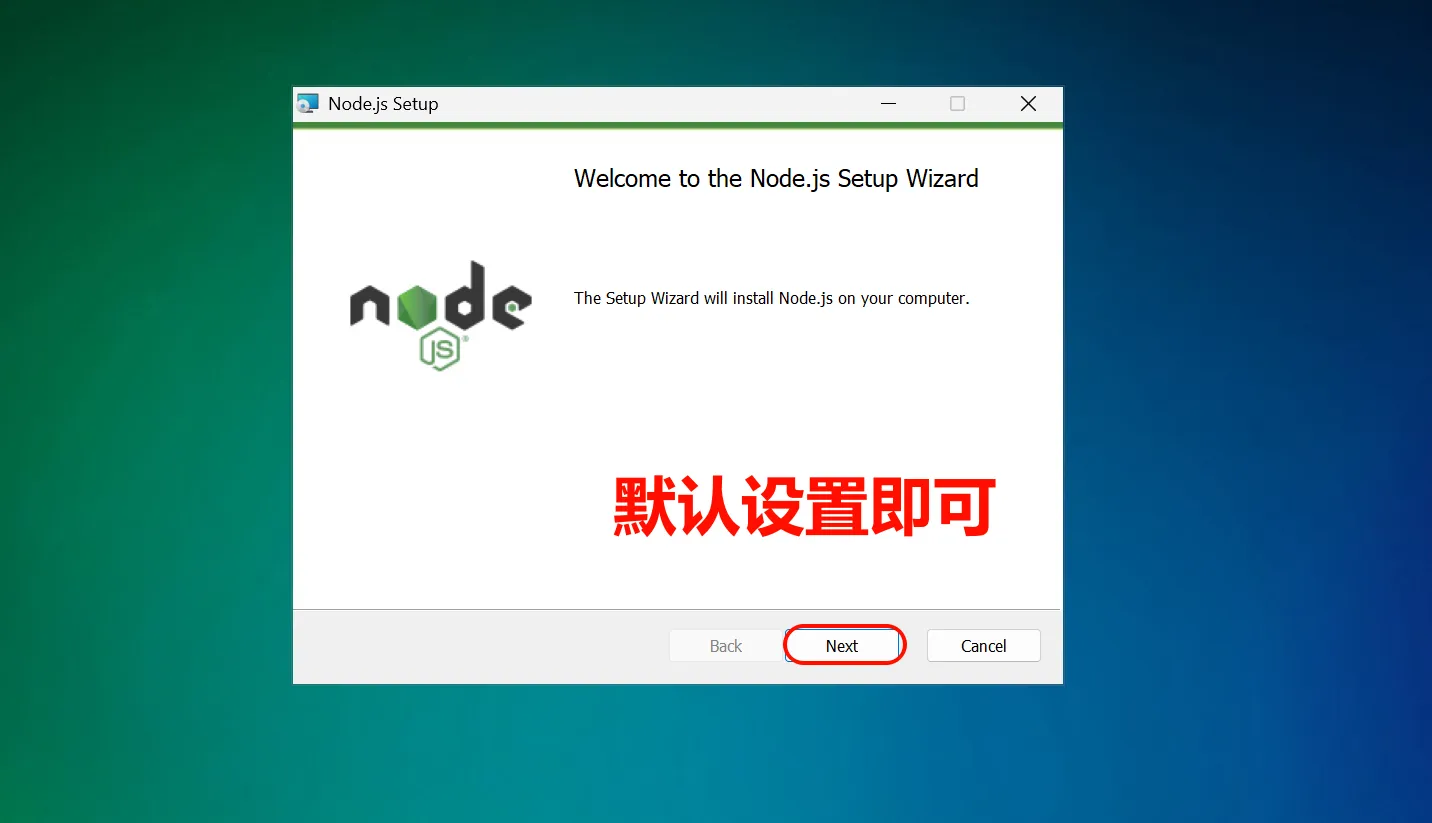

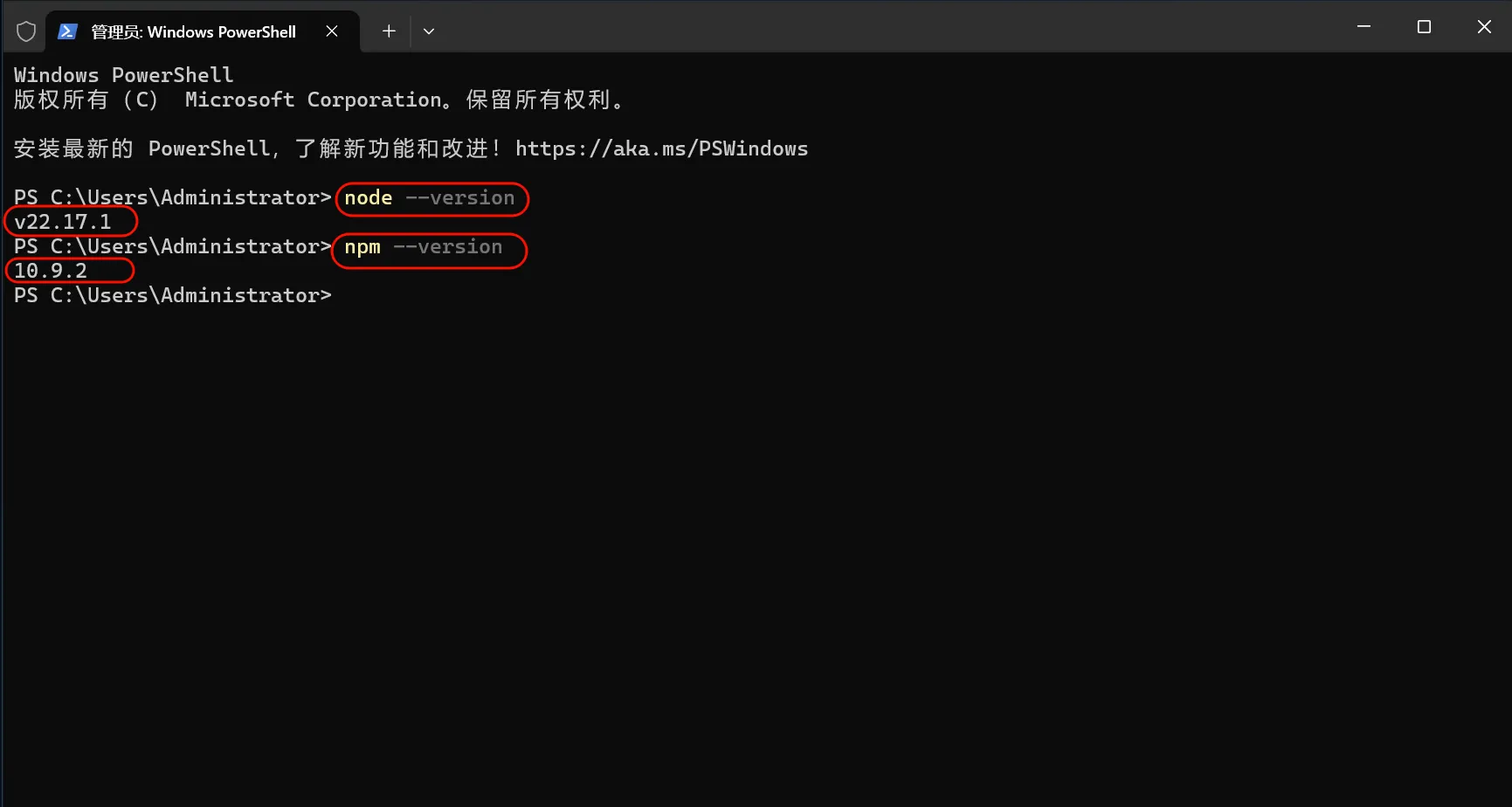
Verify installation:
node --version
npm --version
2. Install Git Bash
Windows note
Install Git for Windows from: https://git-scm.com/downloads/win
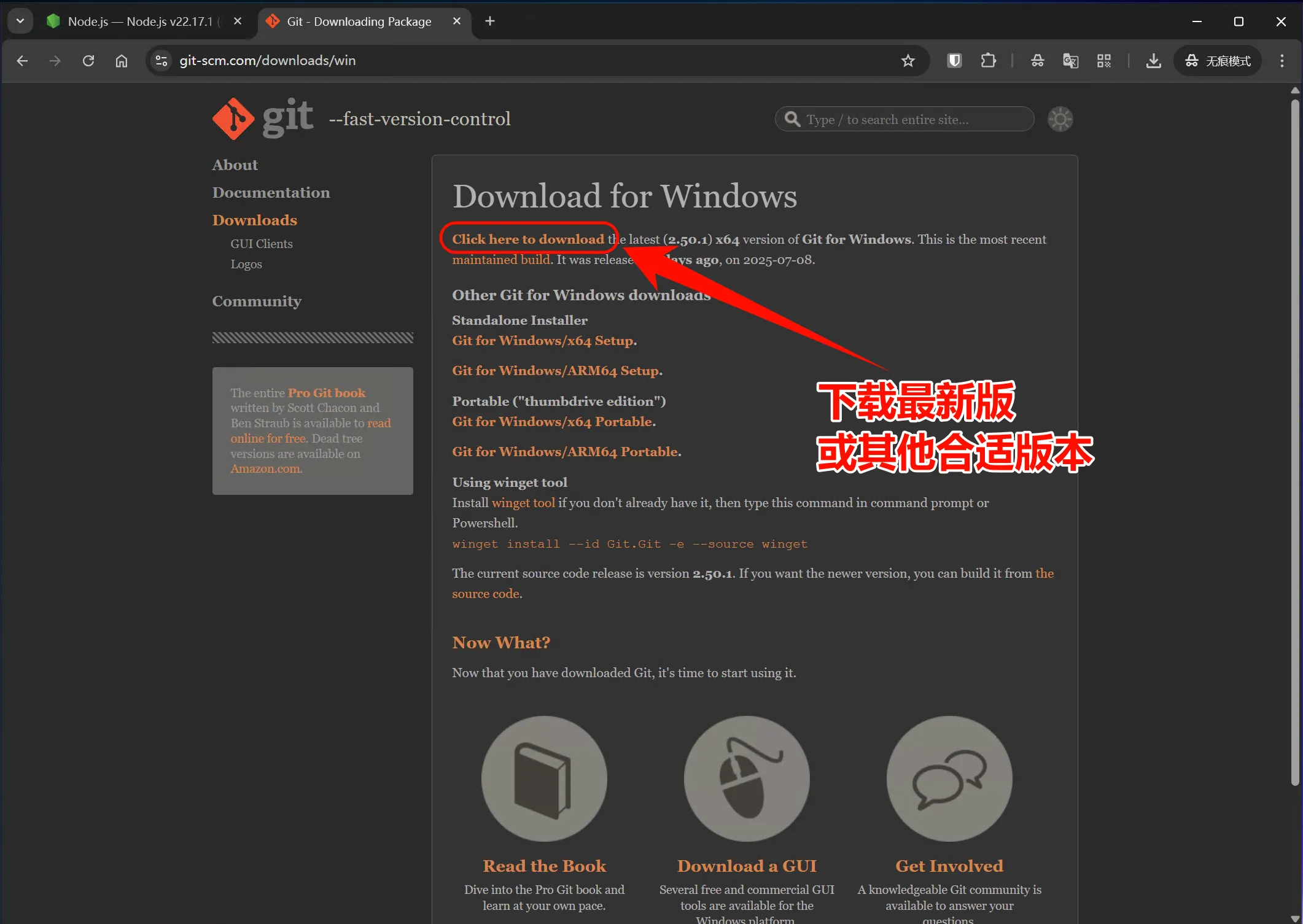
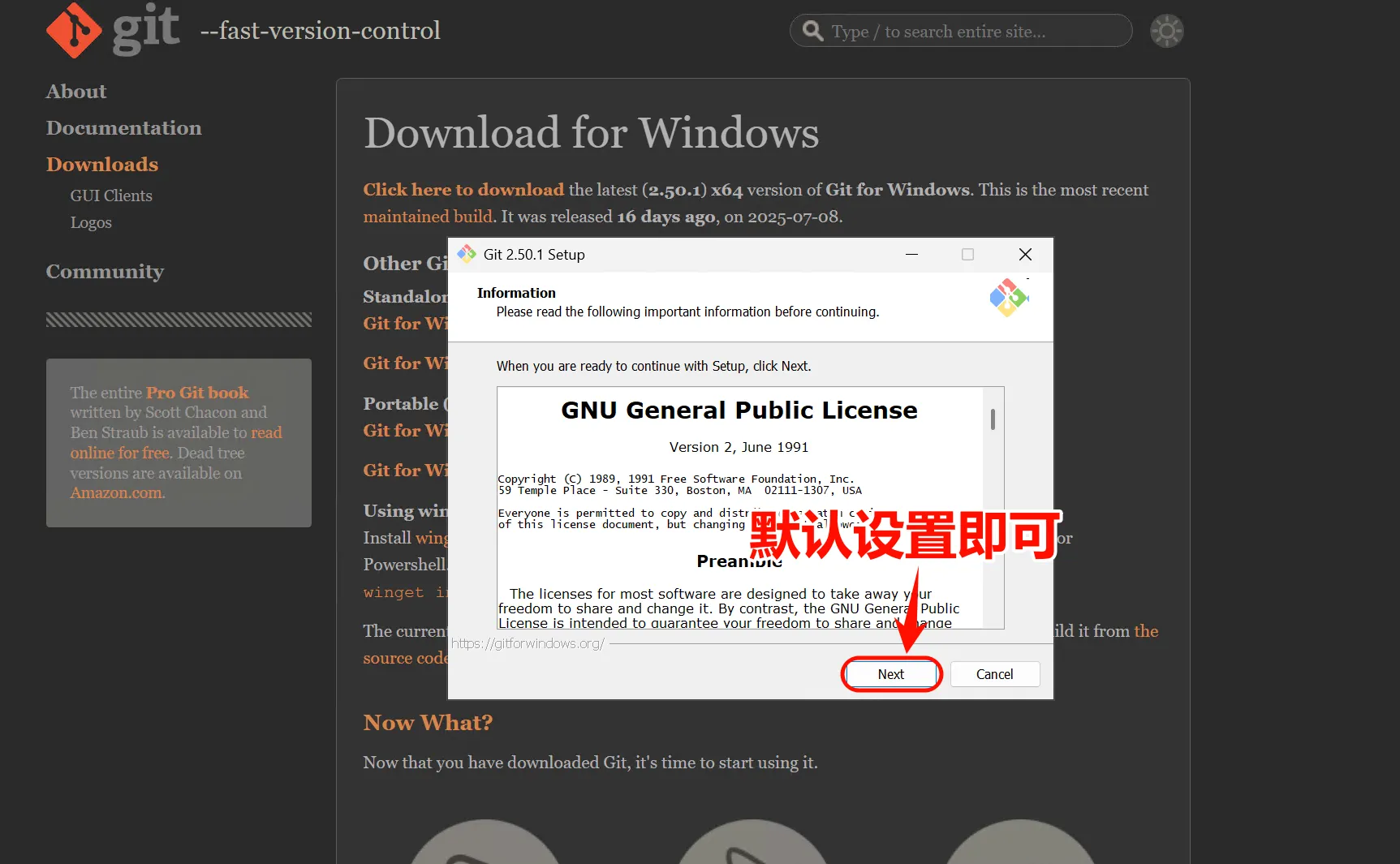
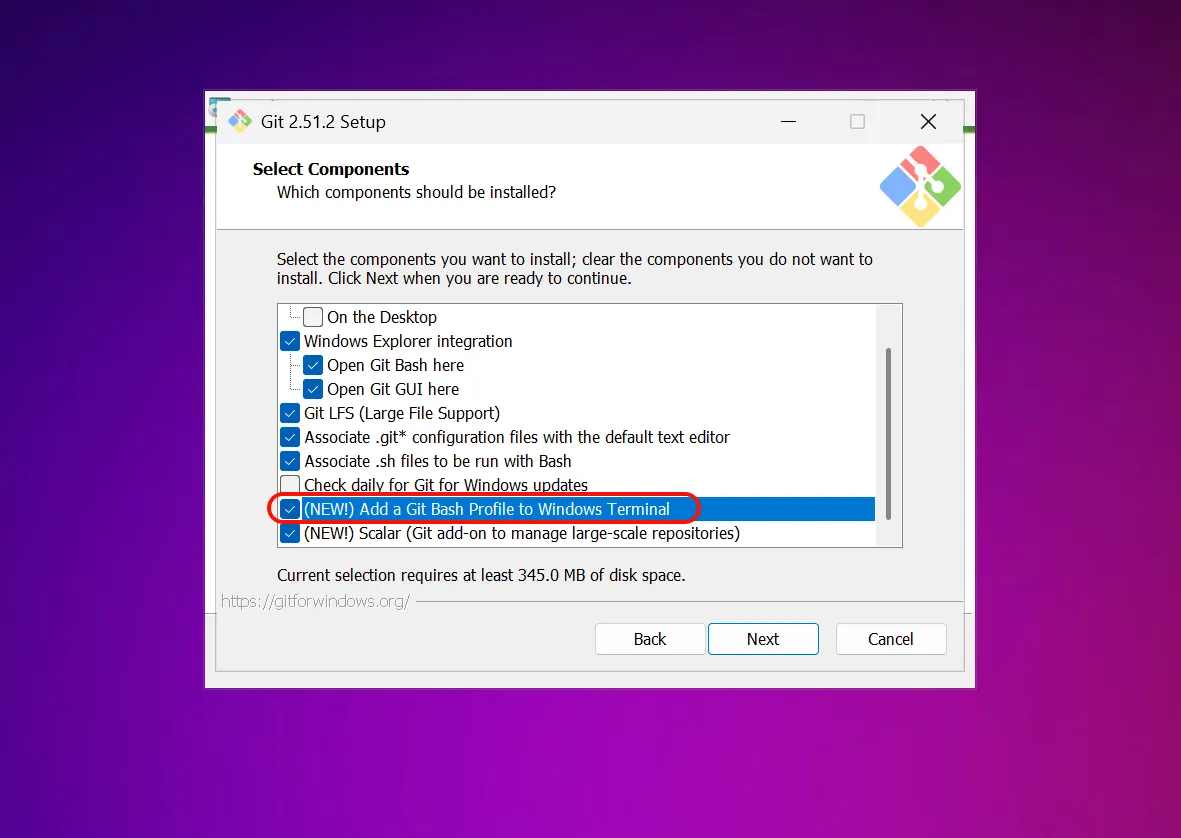
Verify installation:
git --version3. Install Claude Code
npm install -g @anthropic-ai/claude-code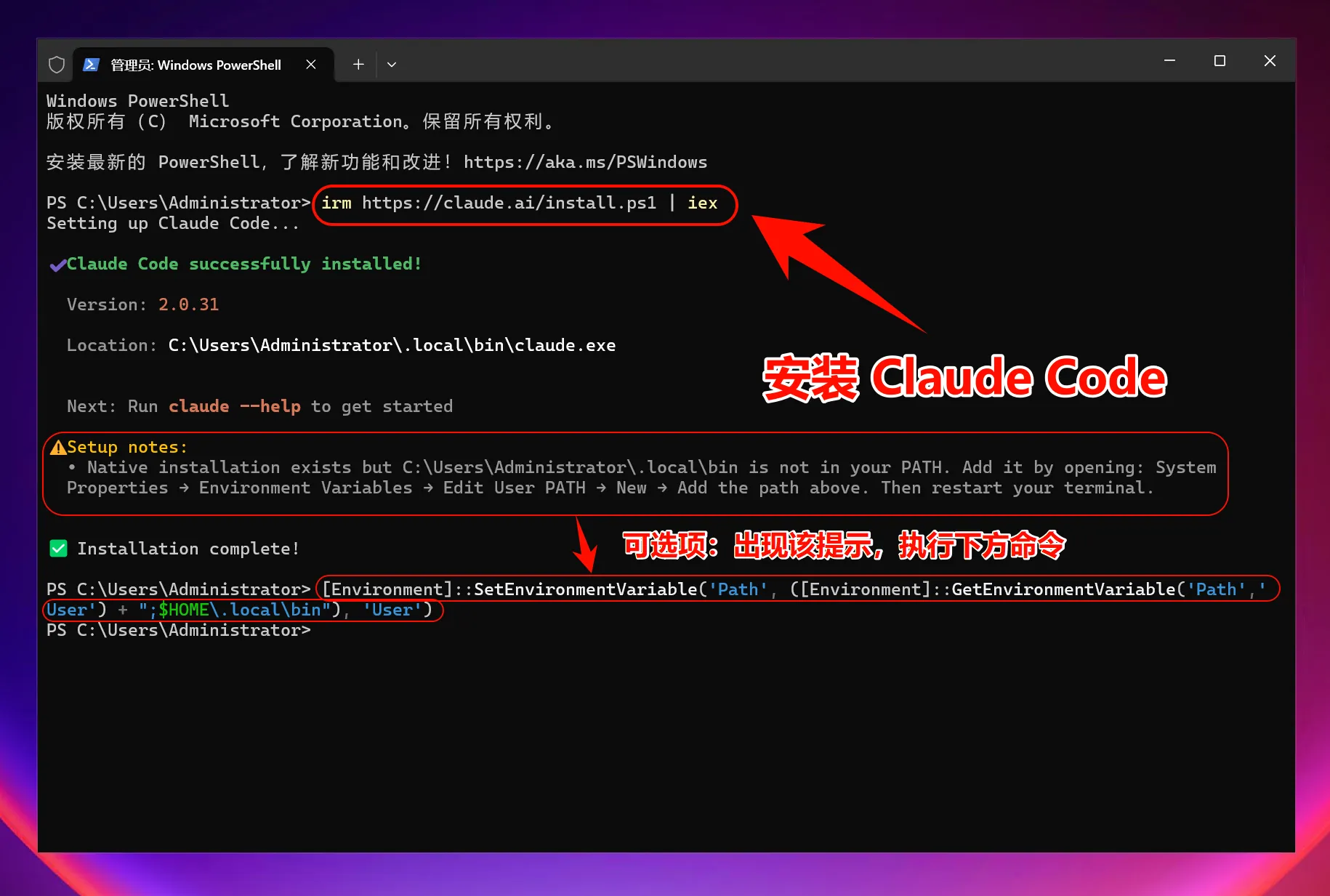
If prompted to add ~/.local/bin to PATH:
[Environment]::SetEnvironmentVariable('Path', ([Environment]::GetEnvironmentVariable('Path','User') + ";$HOME\.local\bin"), 'User')Verify installation:
claude --version4. Configure environment variables
Use the upstream helper script:
iex (irm 'https://raw.githubusercontent.com/QuantumNous/new-api-docs/refs/heads/main/helper/claude-cli-setup.ps1')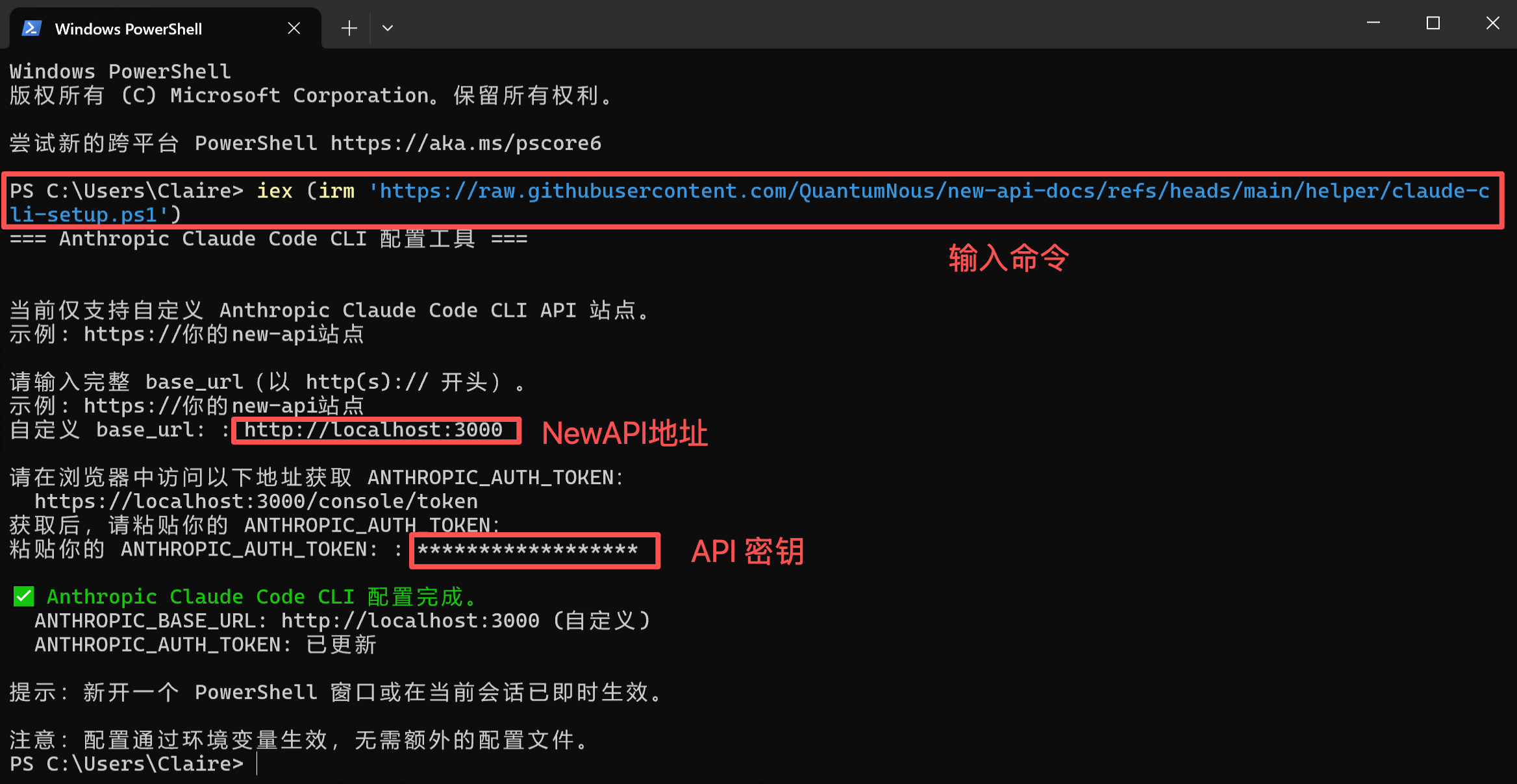
5. Start using Claude Code
claudeOr in a project:
cd C:\path\to\your\project
claude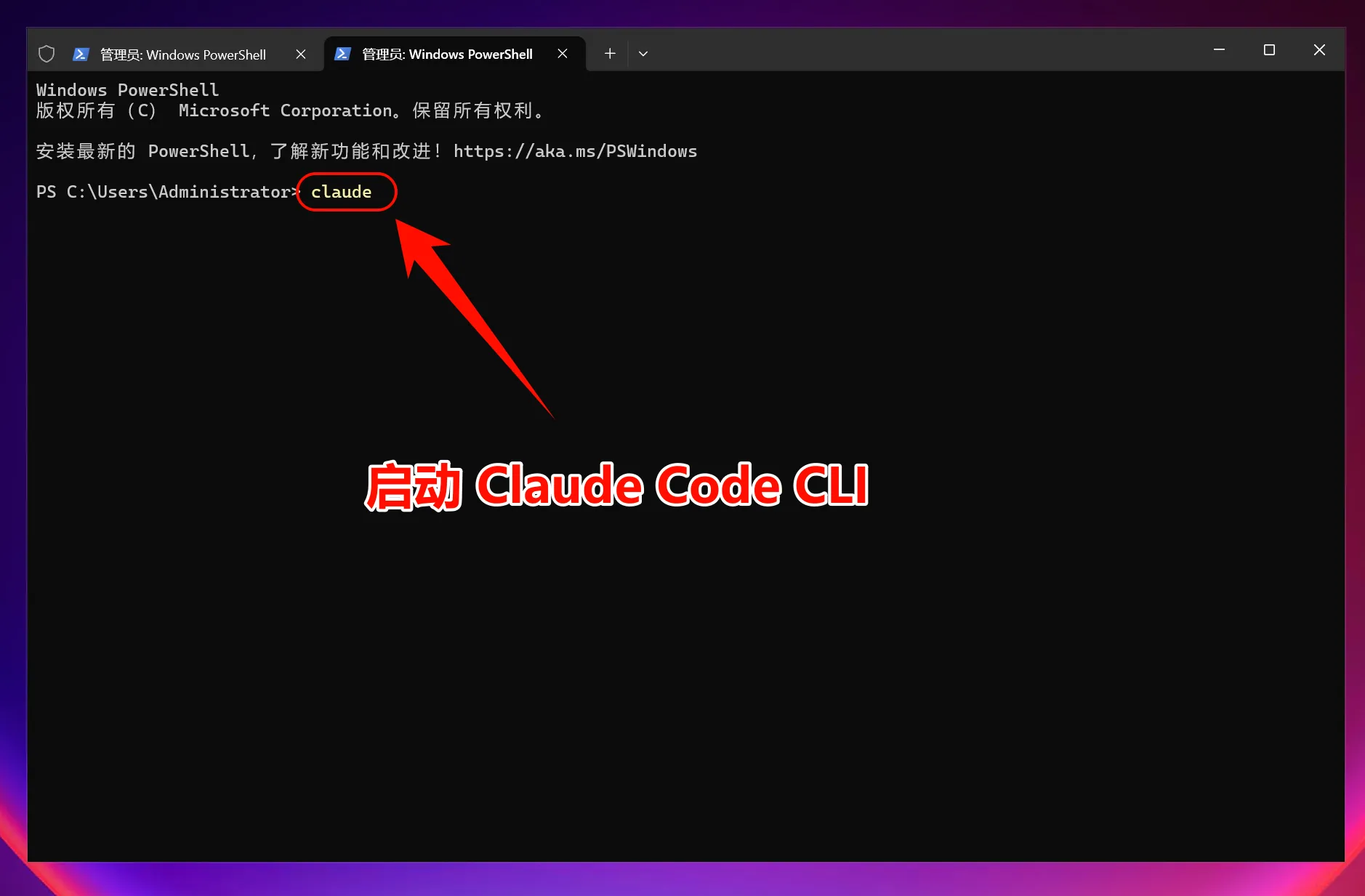
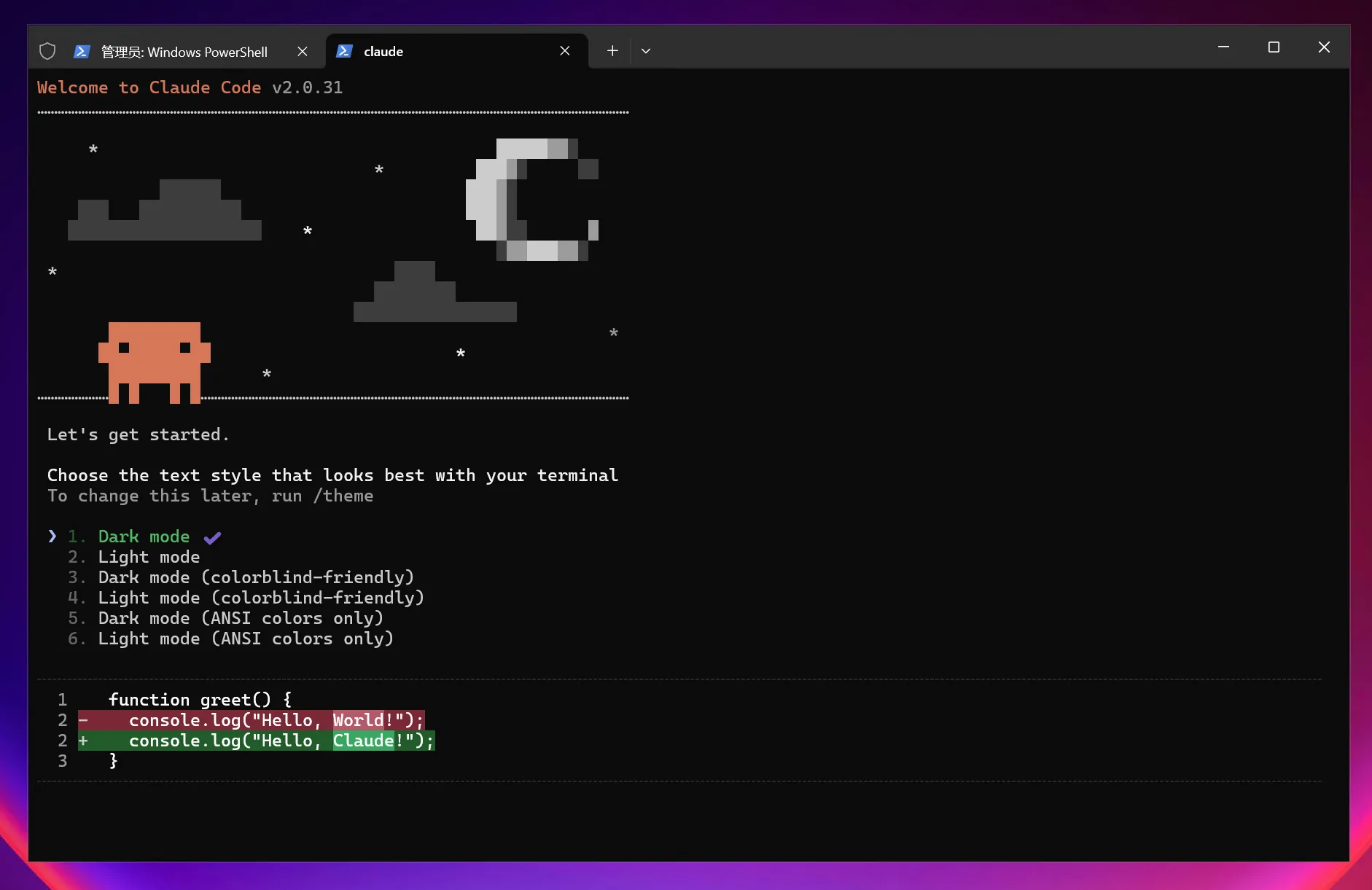
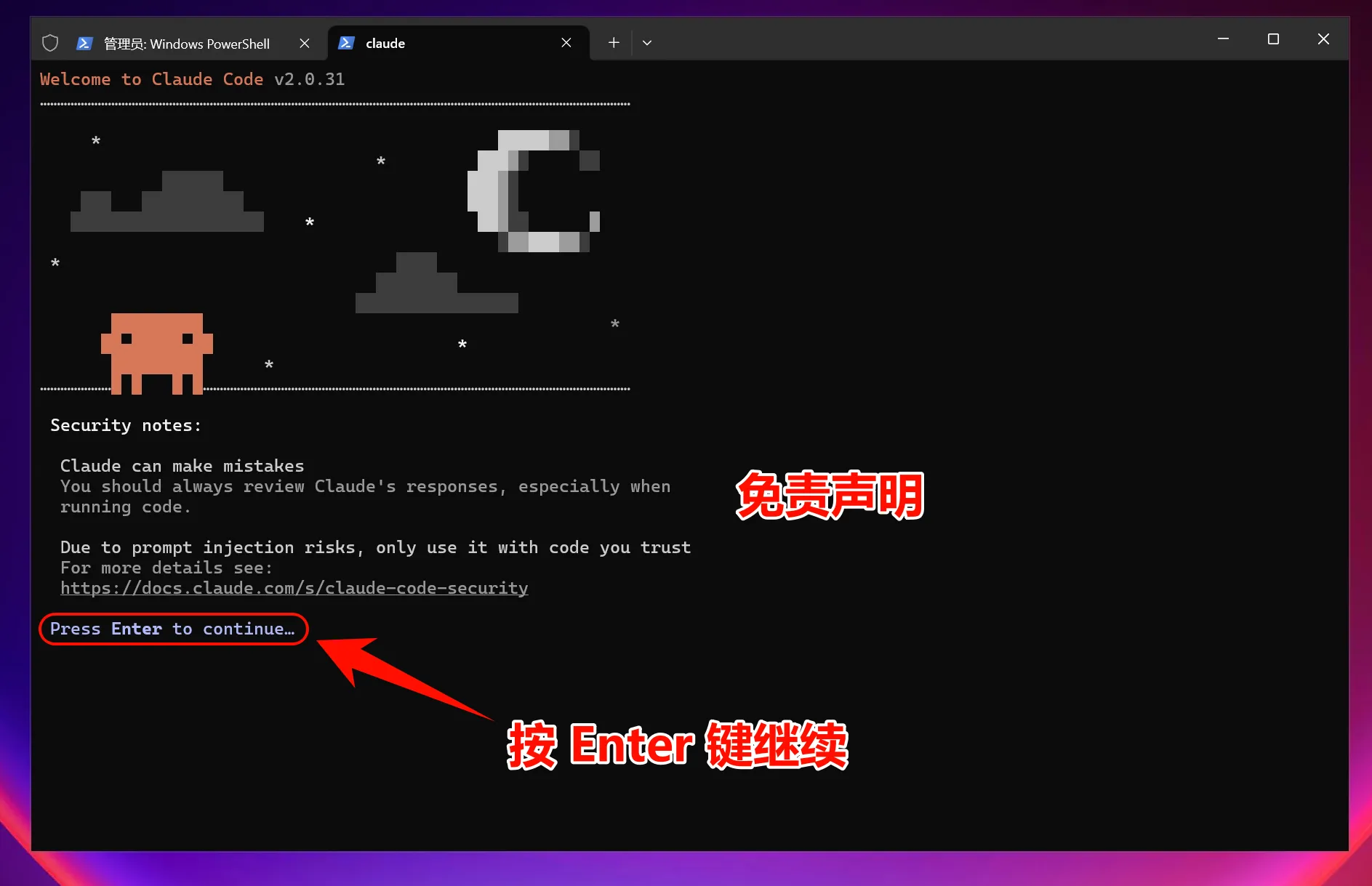
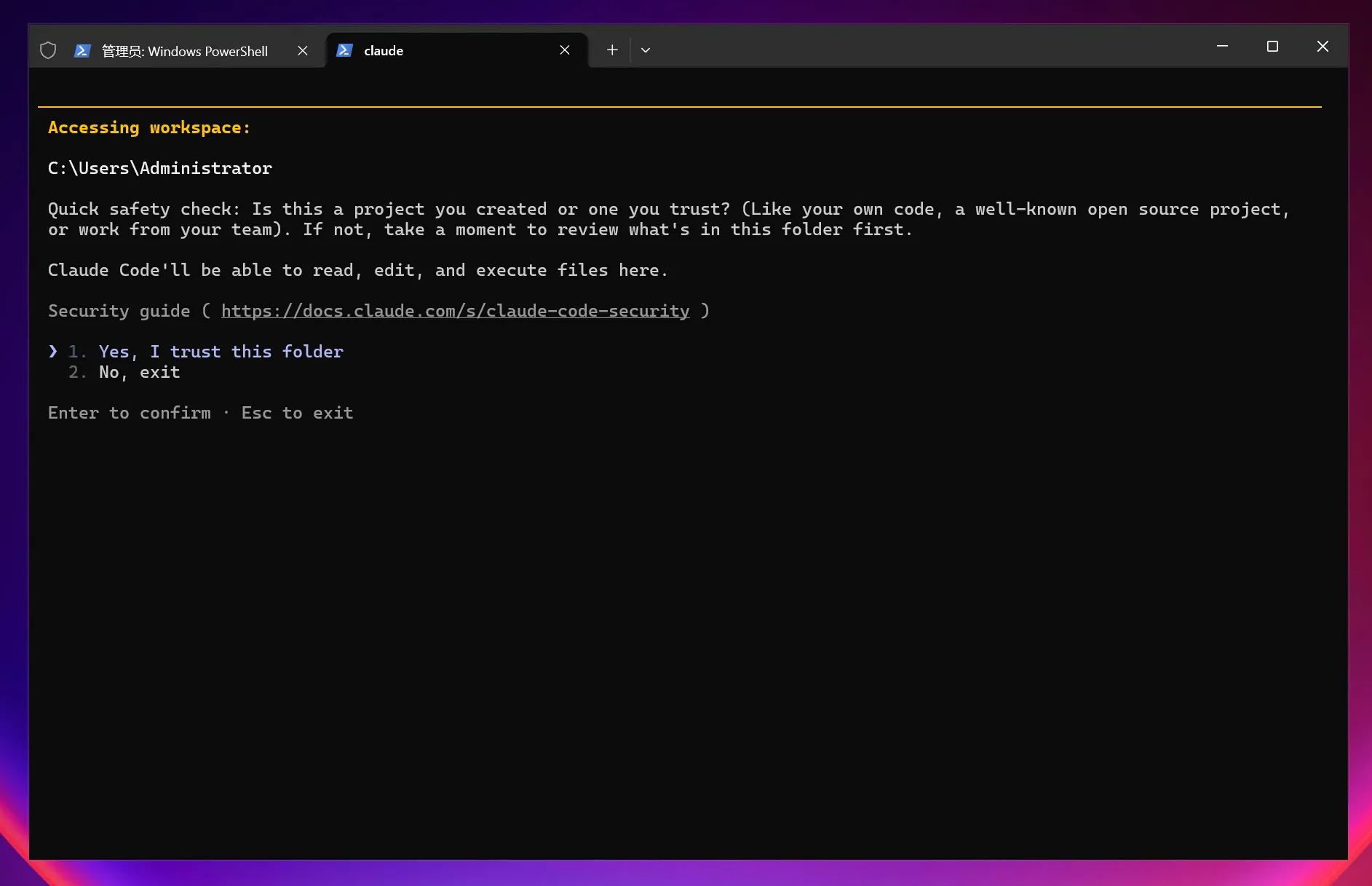
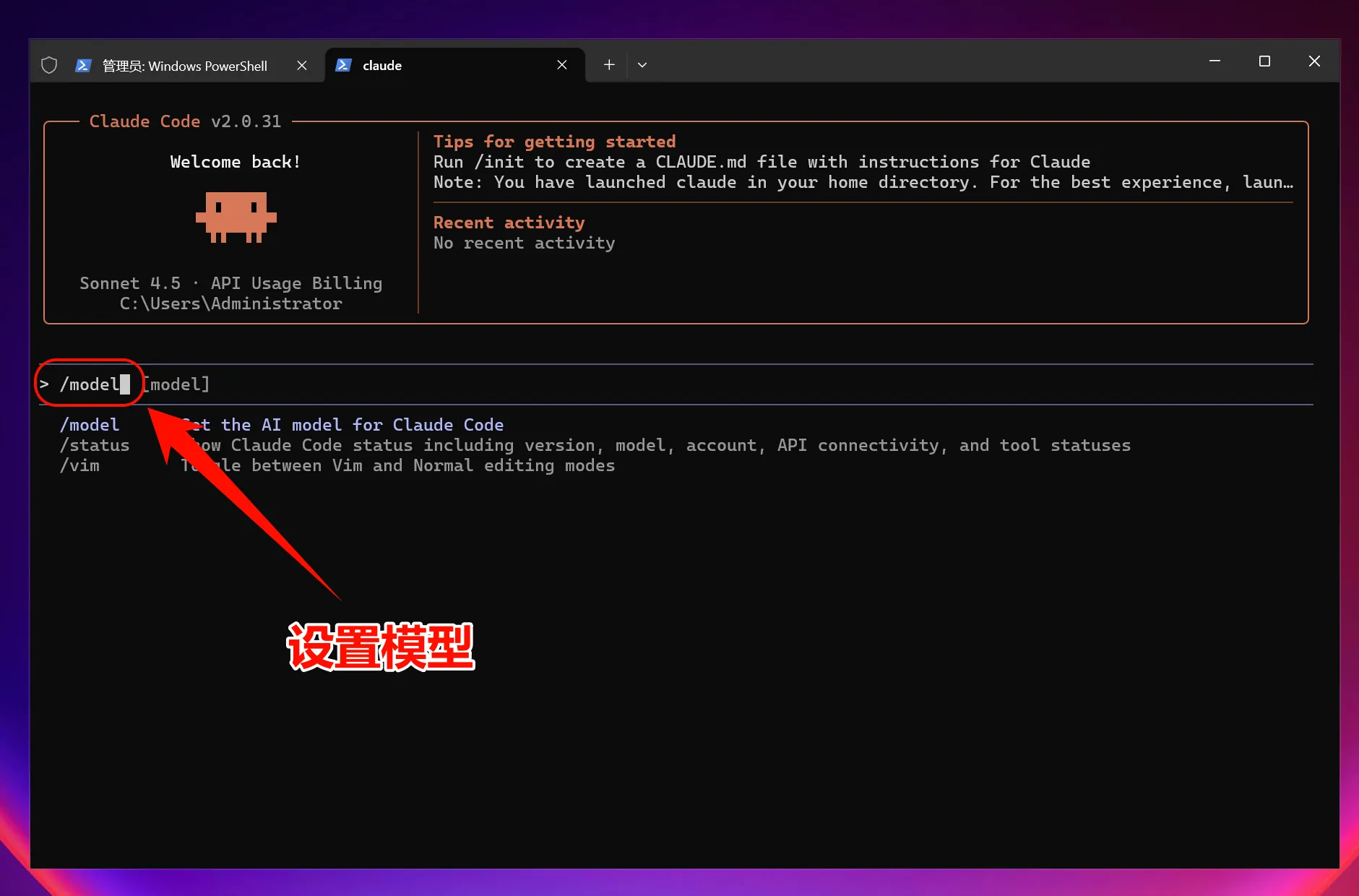
To choose a model:
/model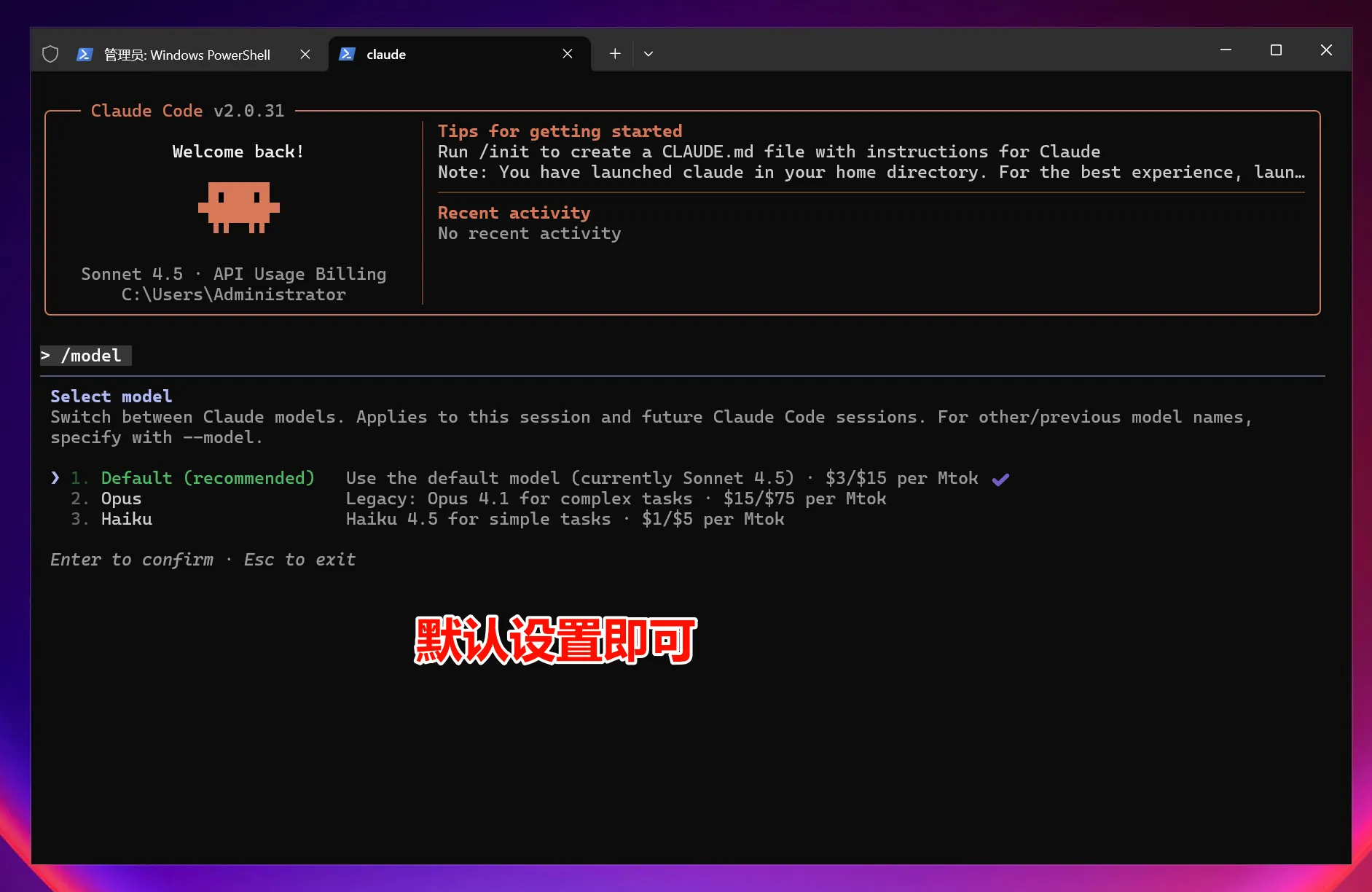
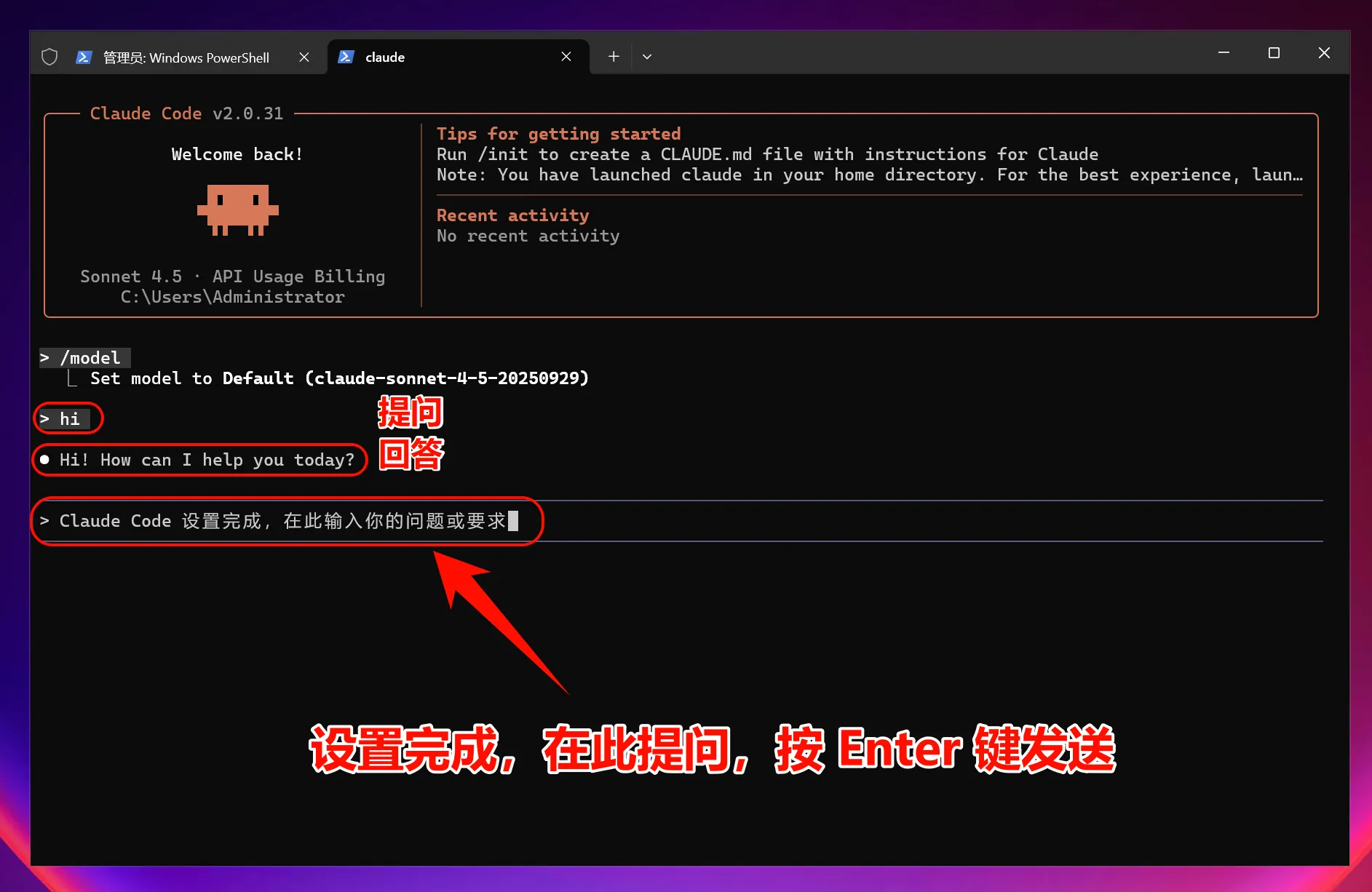
After changing the environment variables, all models will use the custom endpoint instead of Anthropic account quota.
macOS guide
1. Install Claude Code CLI
Open Terminal:
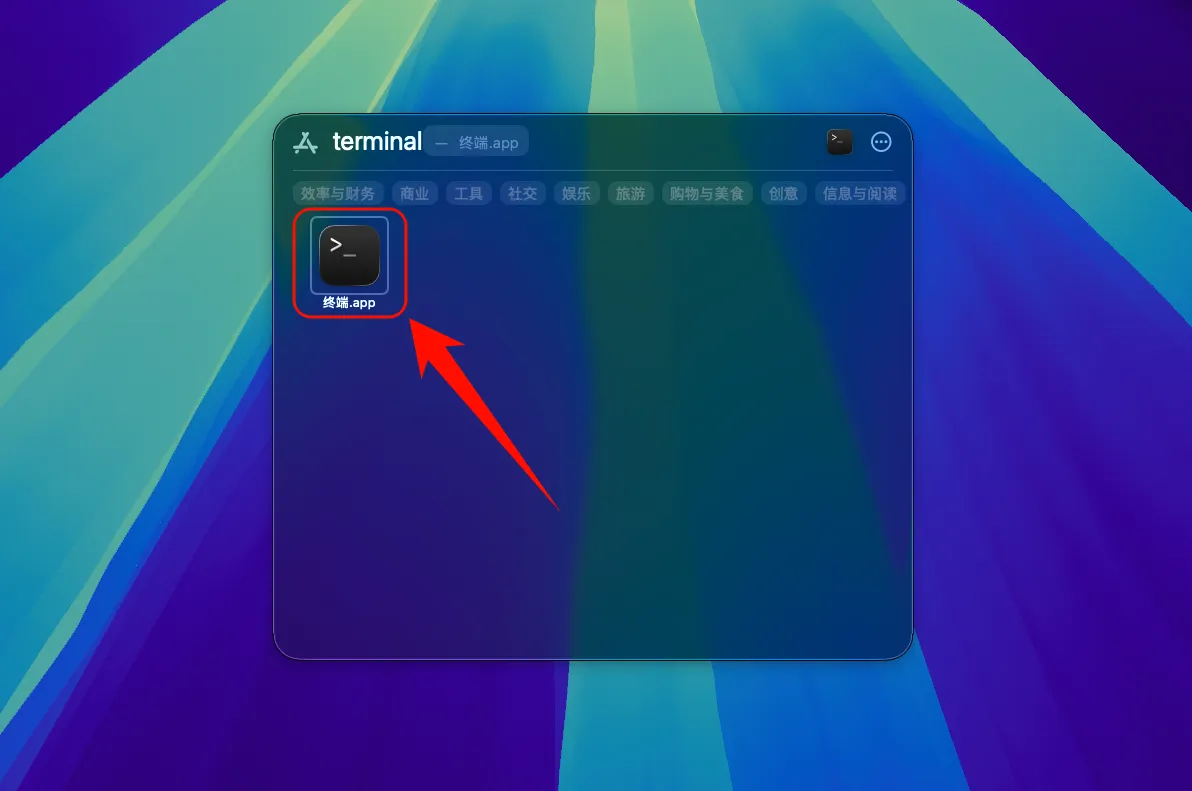
Run:
curl -fsSL https://claude.ai/install.sh | bashIf prompted, add the binary directory to PATH:
echo 'export PATH="$HOME/.local/bin:$PATH"' >> ~/.bashrc && source ~/.bashrc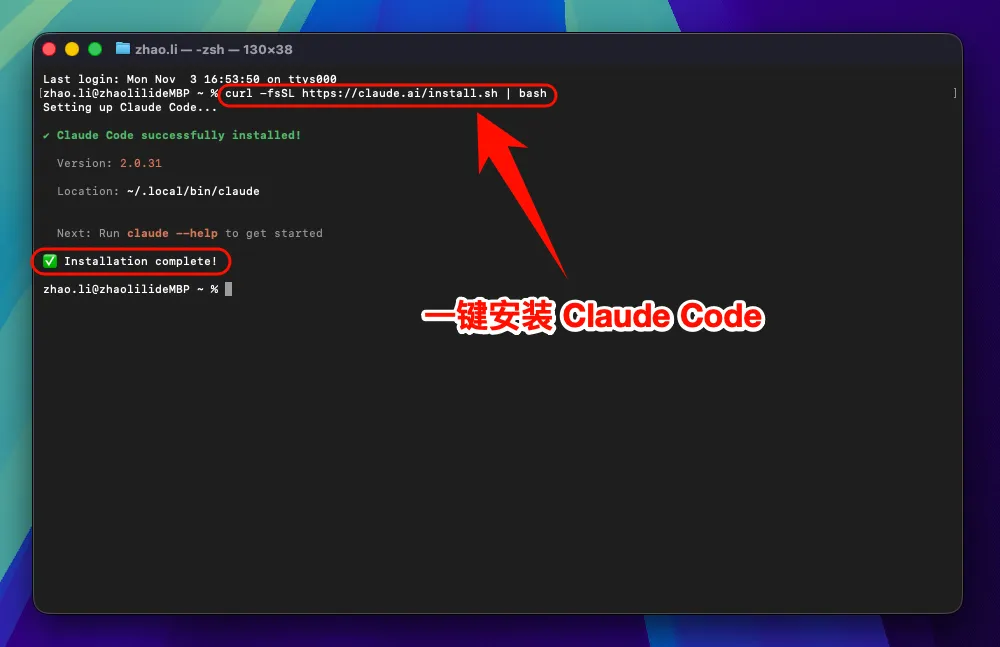
2. Configure environment variables
curl -fsSL https://raw.githubusercontent.com/QuantumNous/new-api-docs/refs/heads/main/helper/claude-cli-setup.sh | bash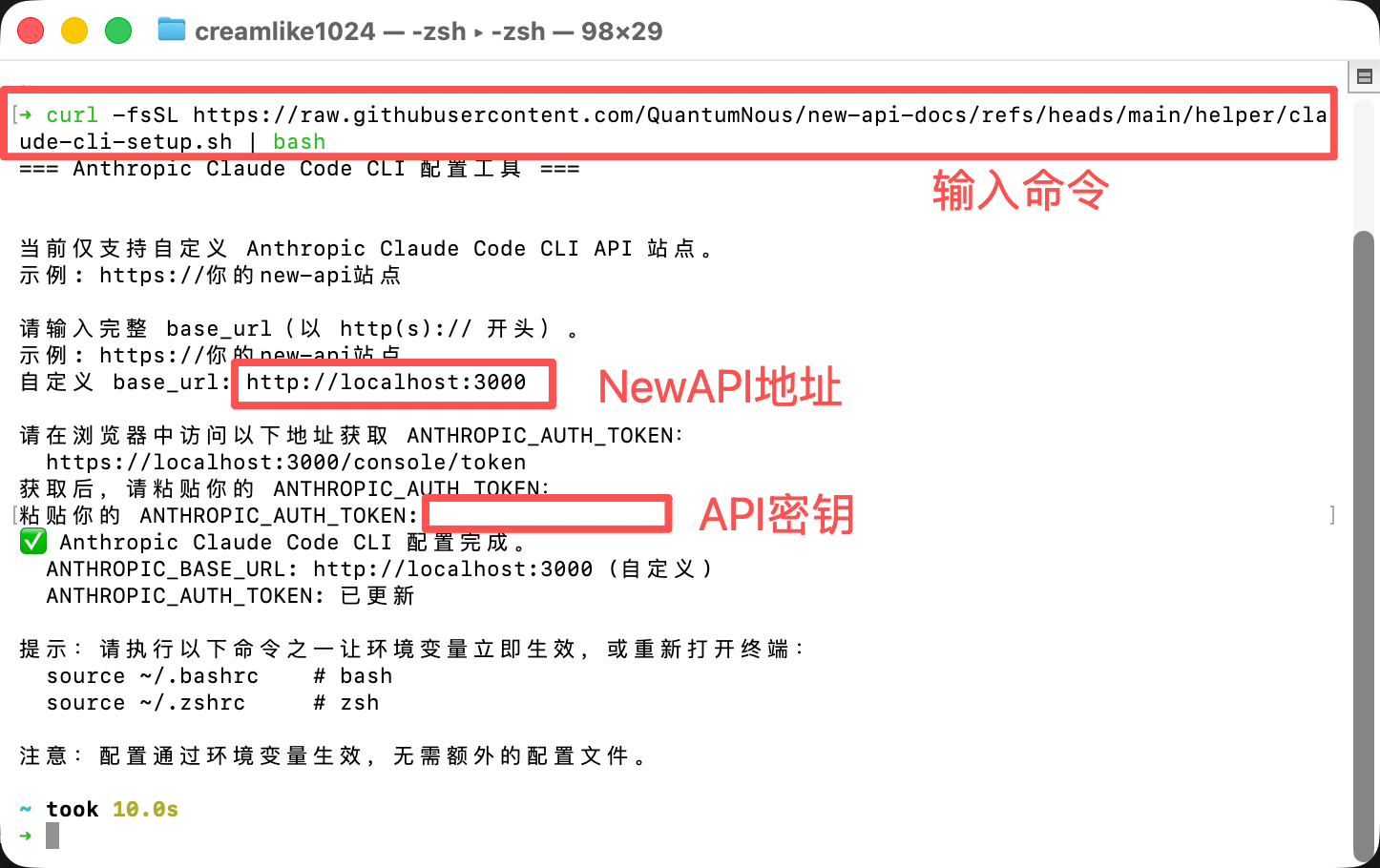
Verify installation:
claude --version3. Start using Claude Code
claudeOr in a project:
cd /path/to/your/project
claude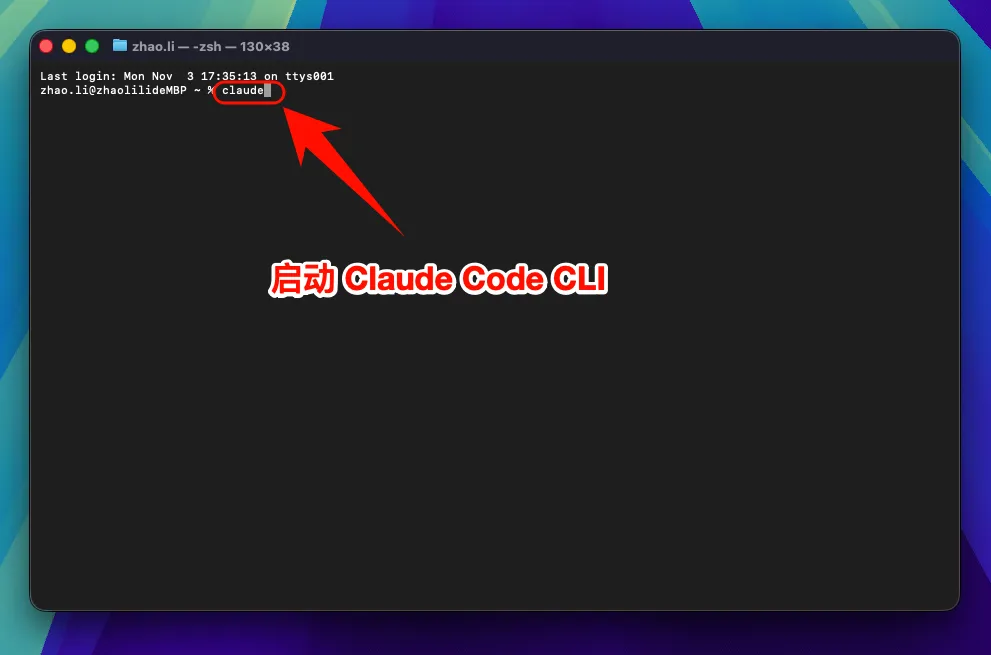
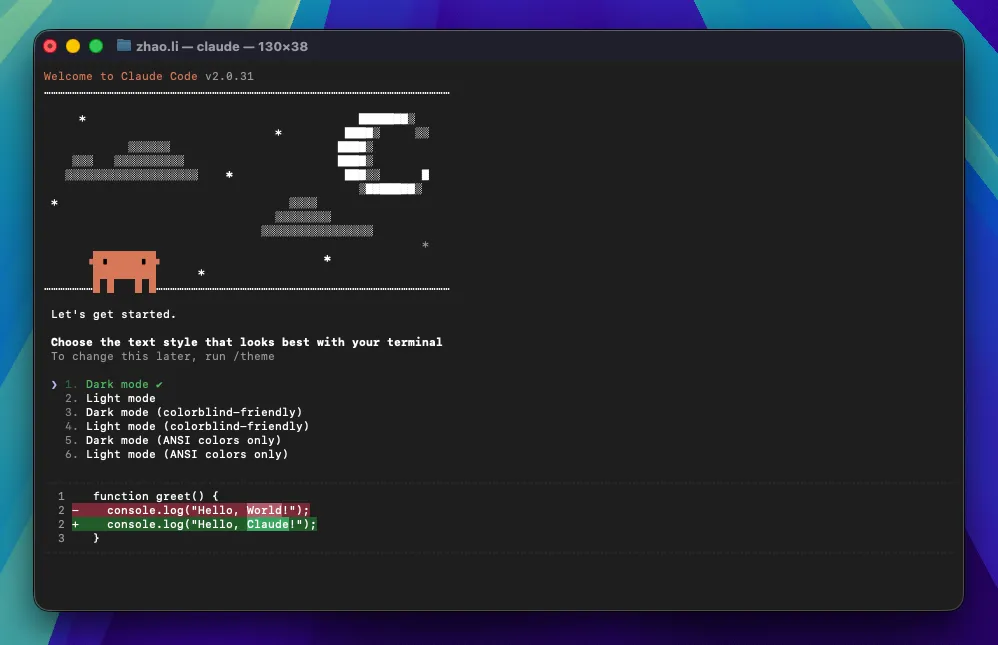
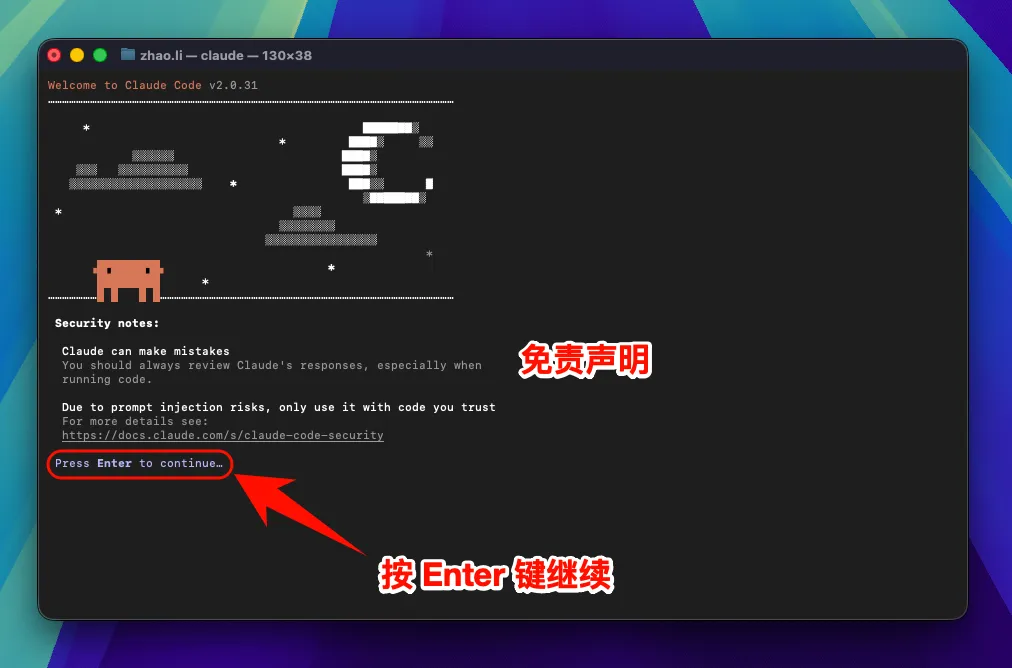
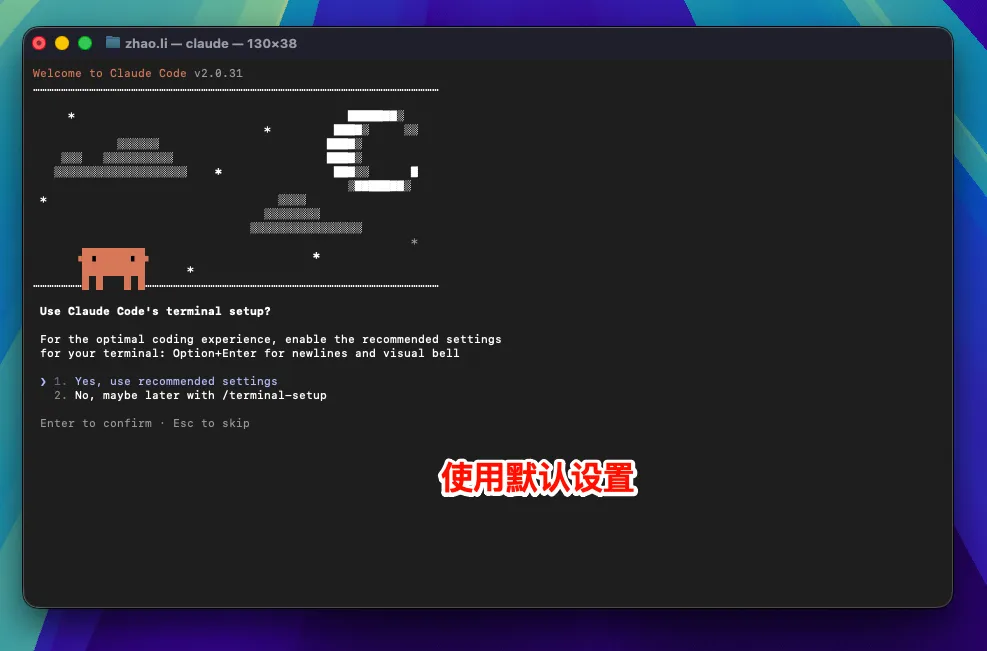
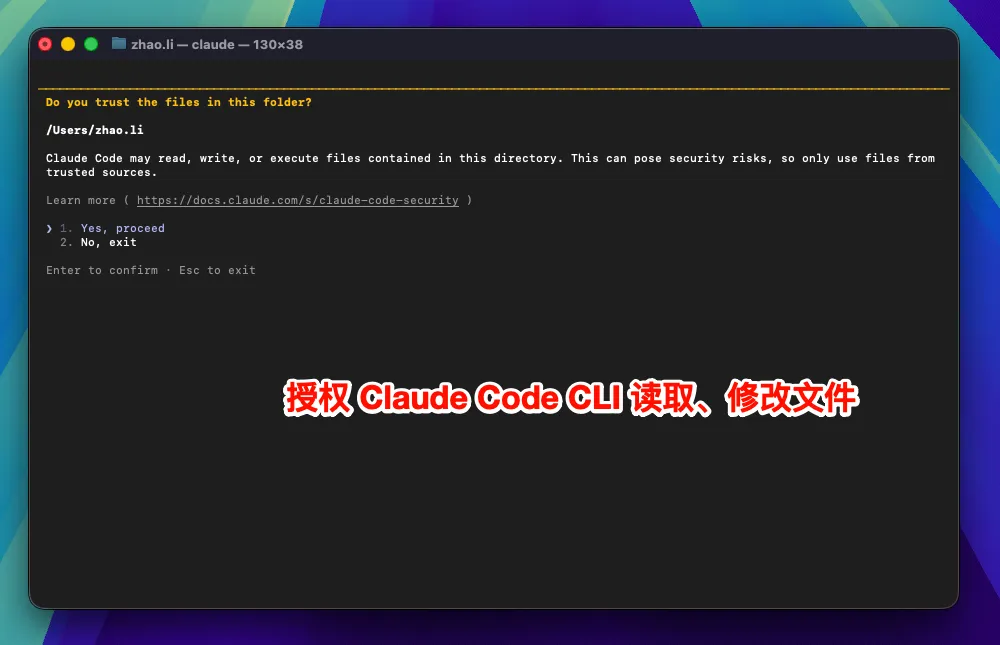
Optional model selection:
/model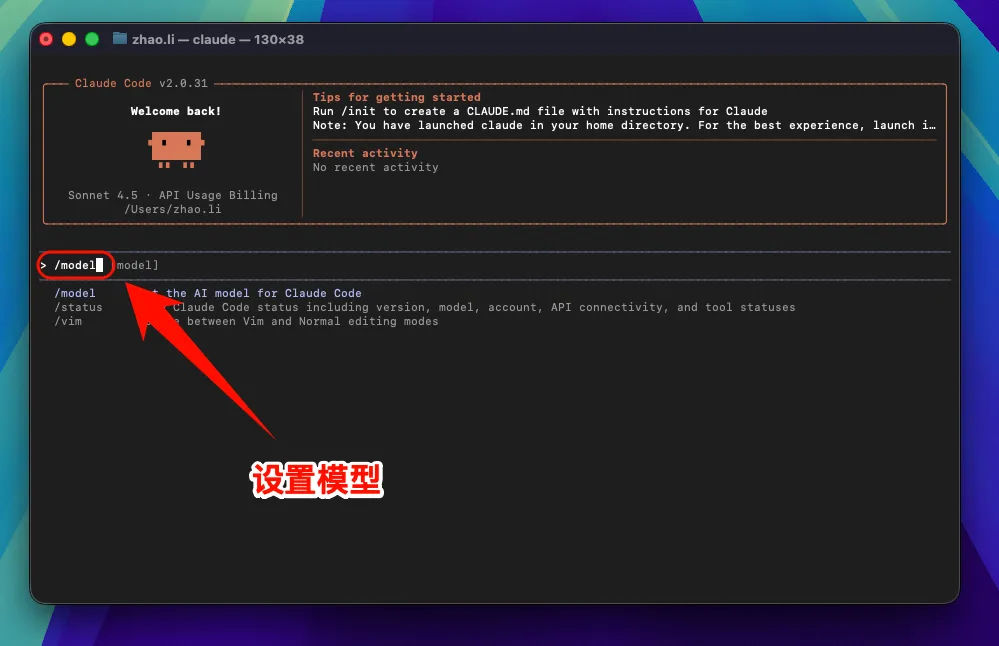
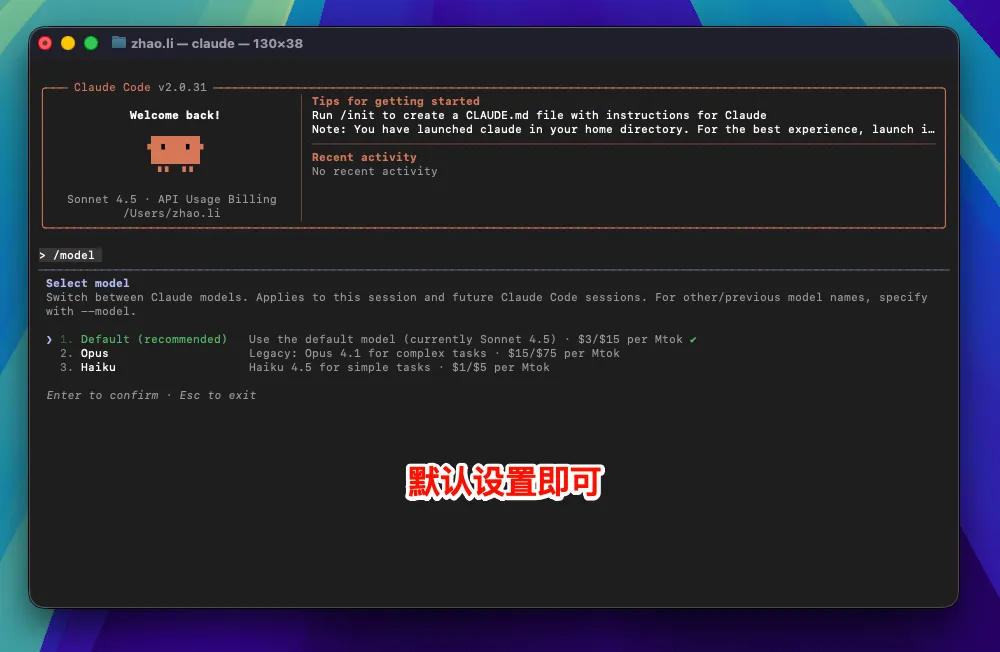
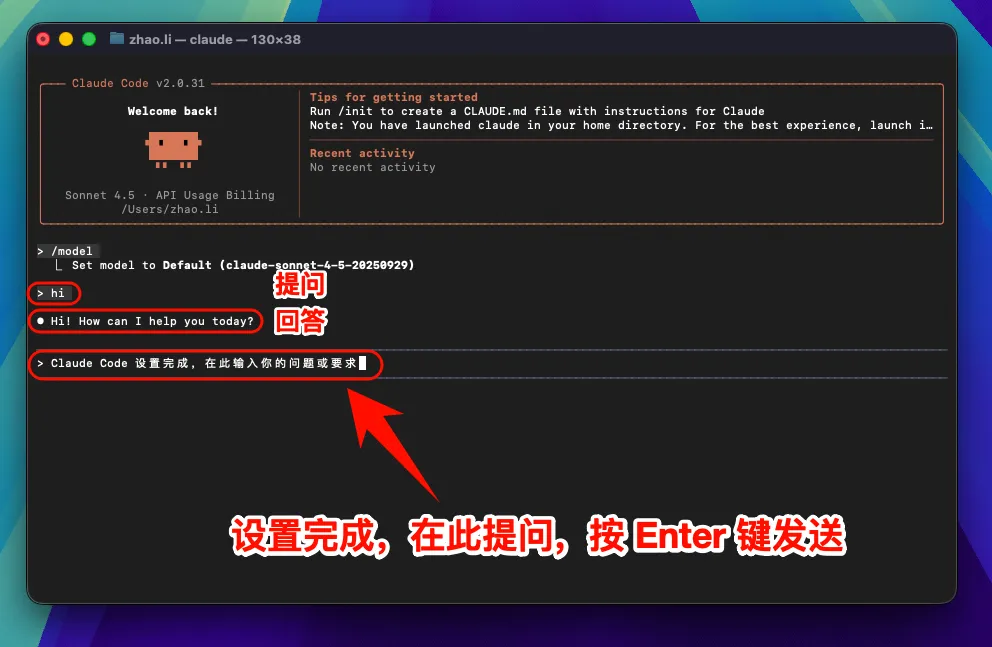
After changing
ANTHROPIC_BASE_URL, all models use the custom endpoint instead of Anthropic account quota.
4. macOS common issues
Security settings block execution
- Open
System Preferences->Security & Privacy - Click
Open AnywayorAllow - Or run
sudo spctl --master-disable
Linux guide
1. Install Claude Code
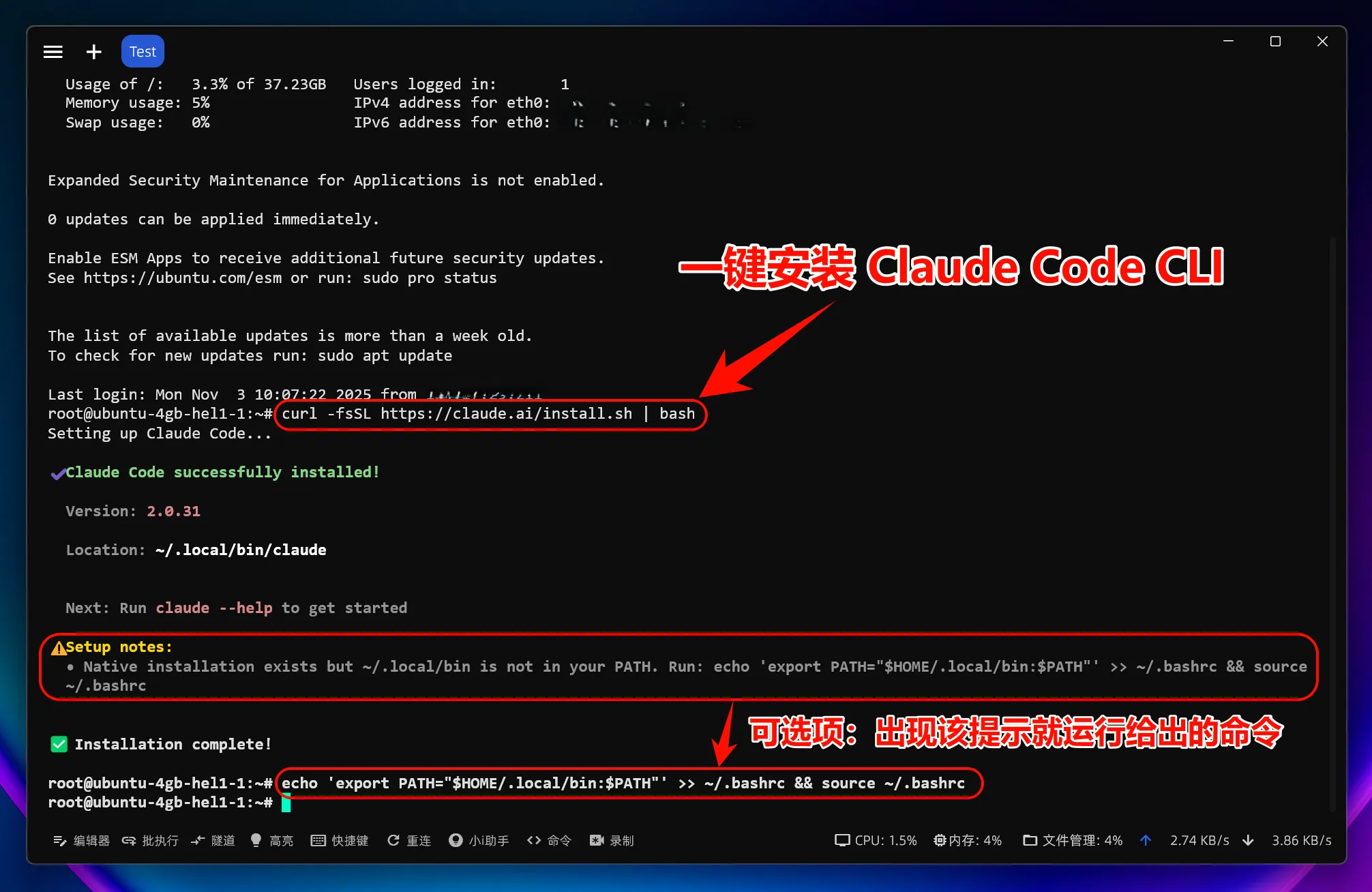
Run:
curl -fsSL https://claude.ai/install.sh | bashIf needed:
sudo curl -fsSL https://claude.ai/install.sh | bash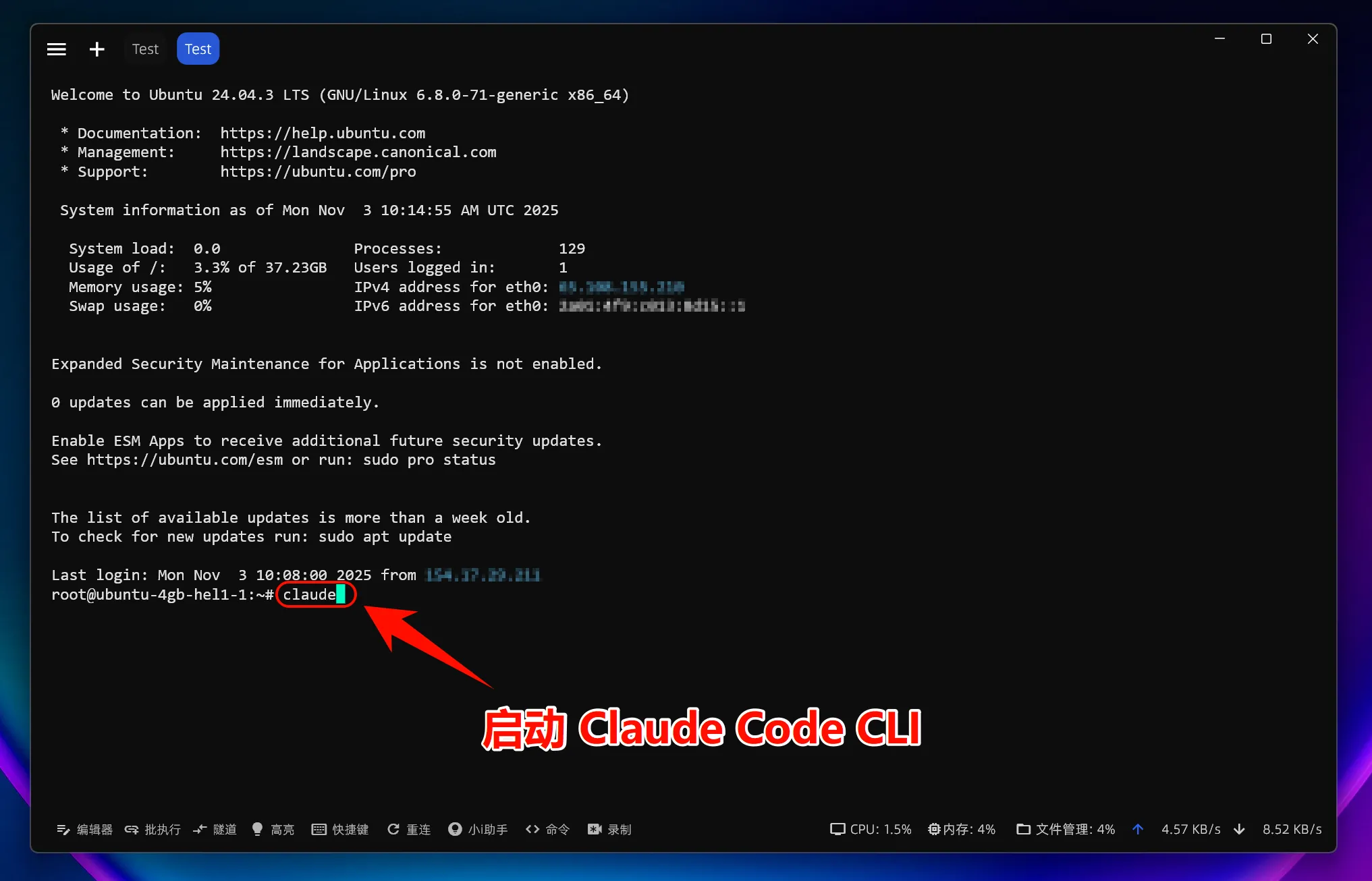
Verify installation:
claude --version2. Configure environment variables
curl -fsSL https://raw.githubusercontent.com/QuantumNous/new-api-docs/refs/heads/main/helper/claude-cli-setup.sh | bash
3. Start using Claude Code
claudeOr in a project:
cd /path/to/your/project
claude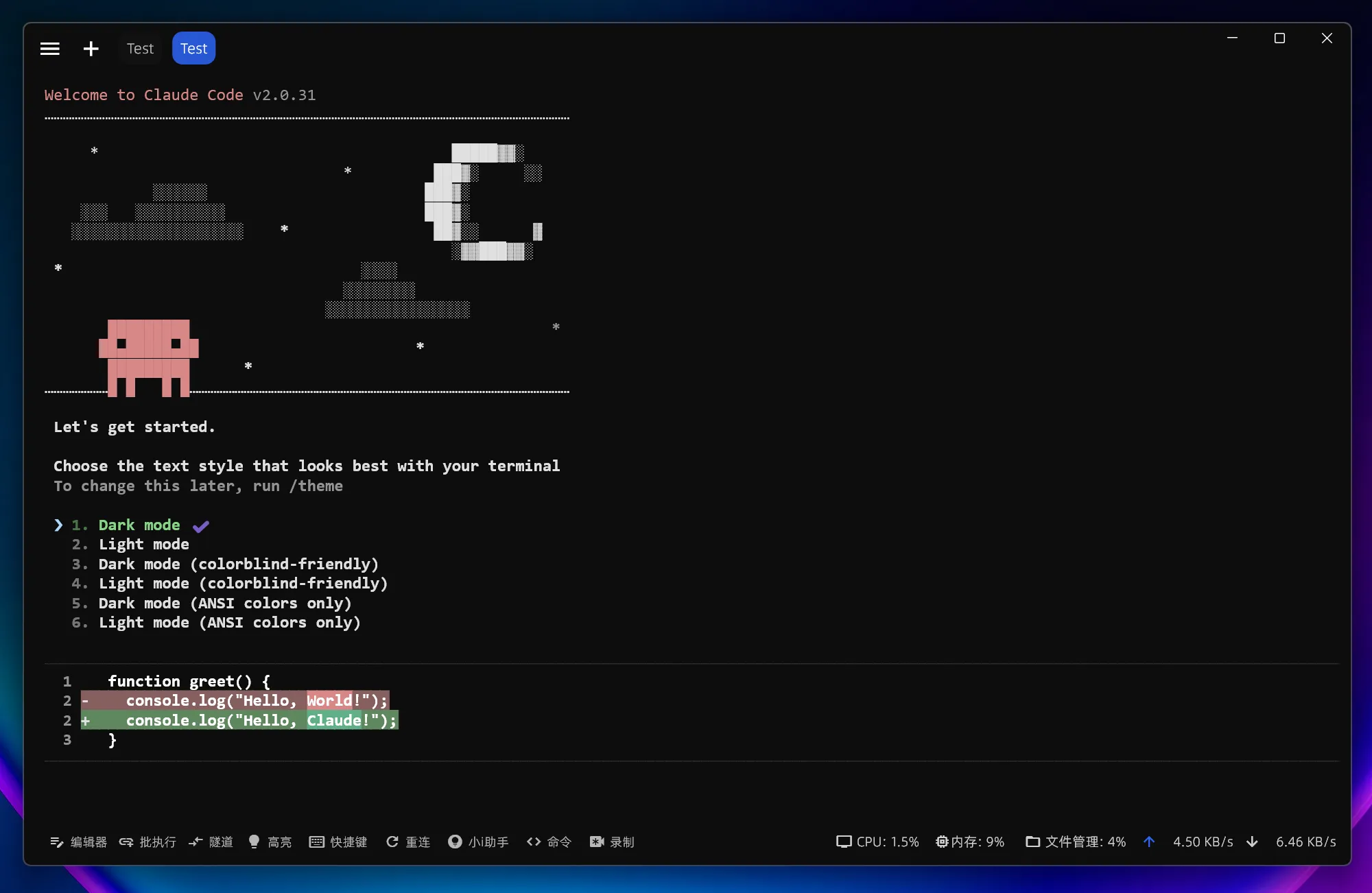
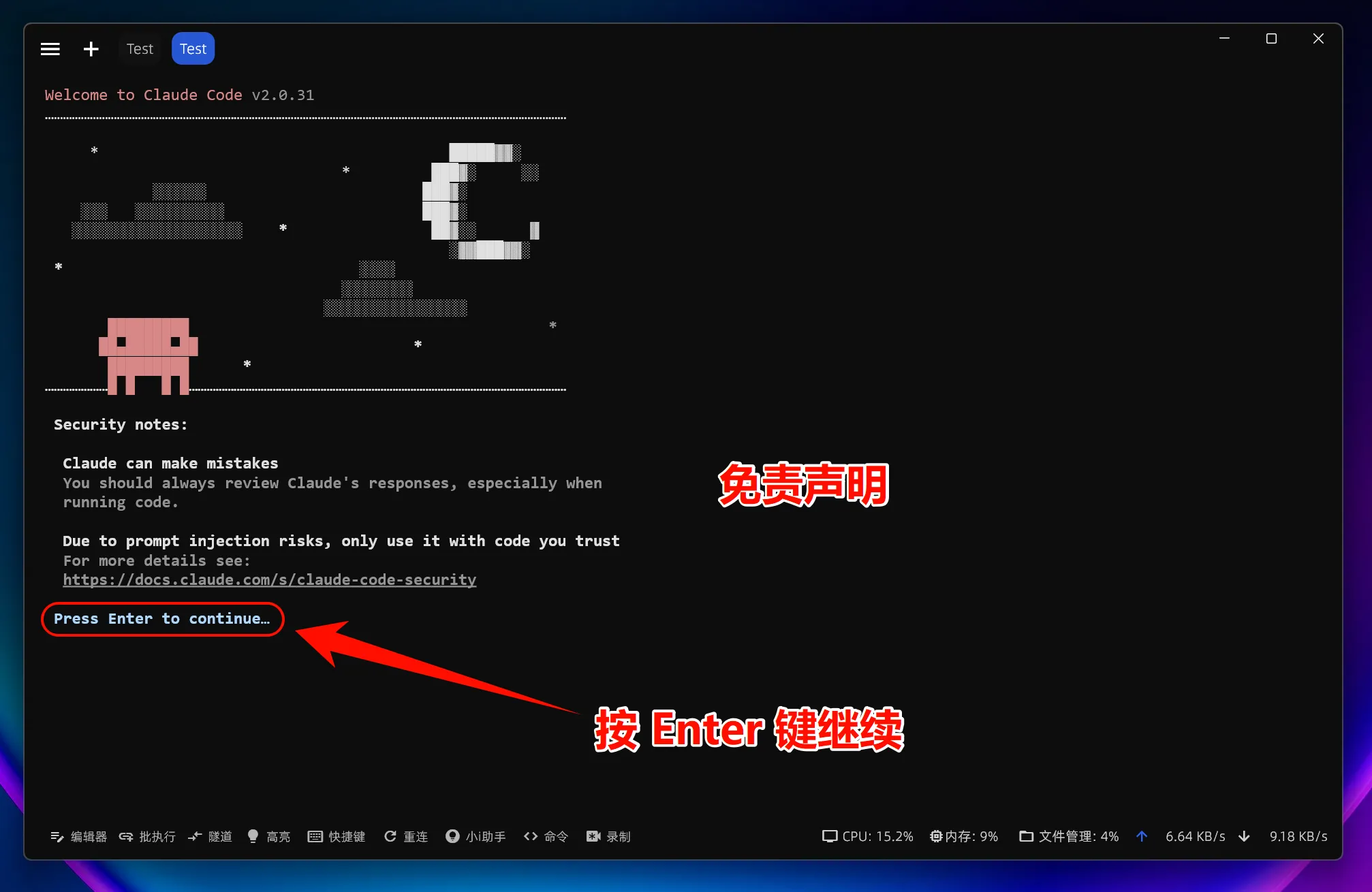
Choose a model if needed:
/model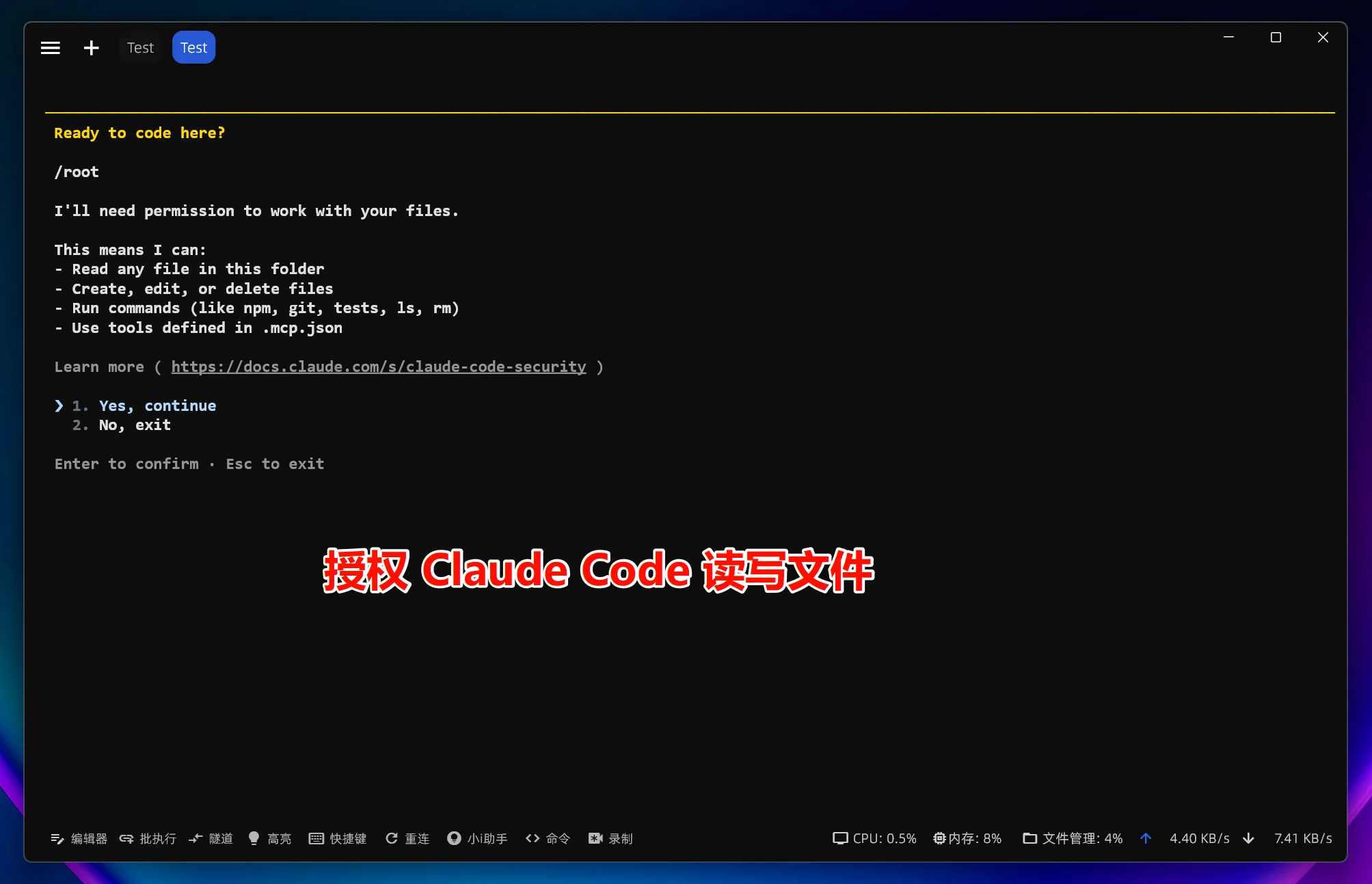
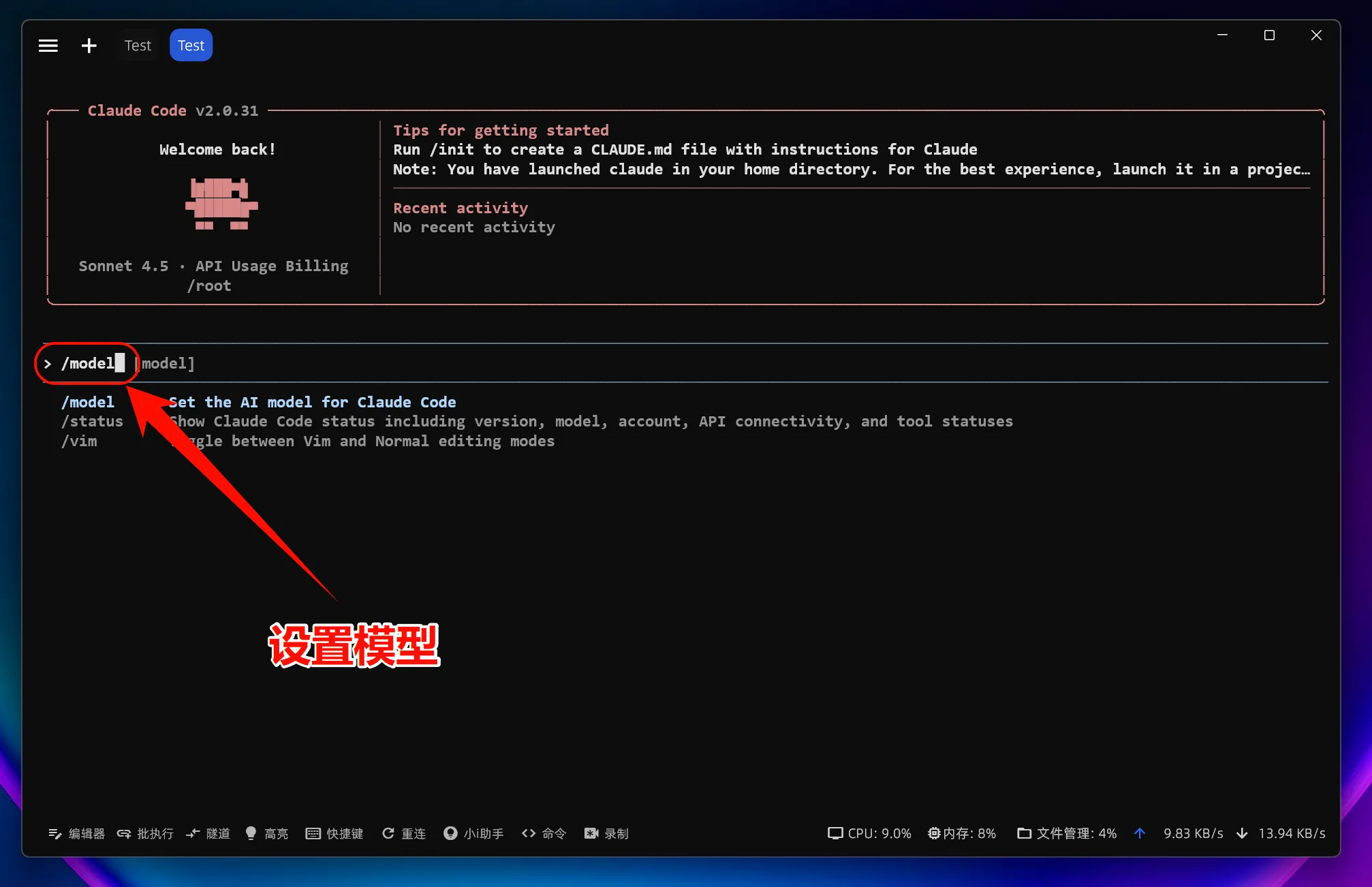
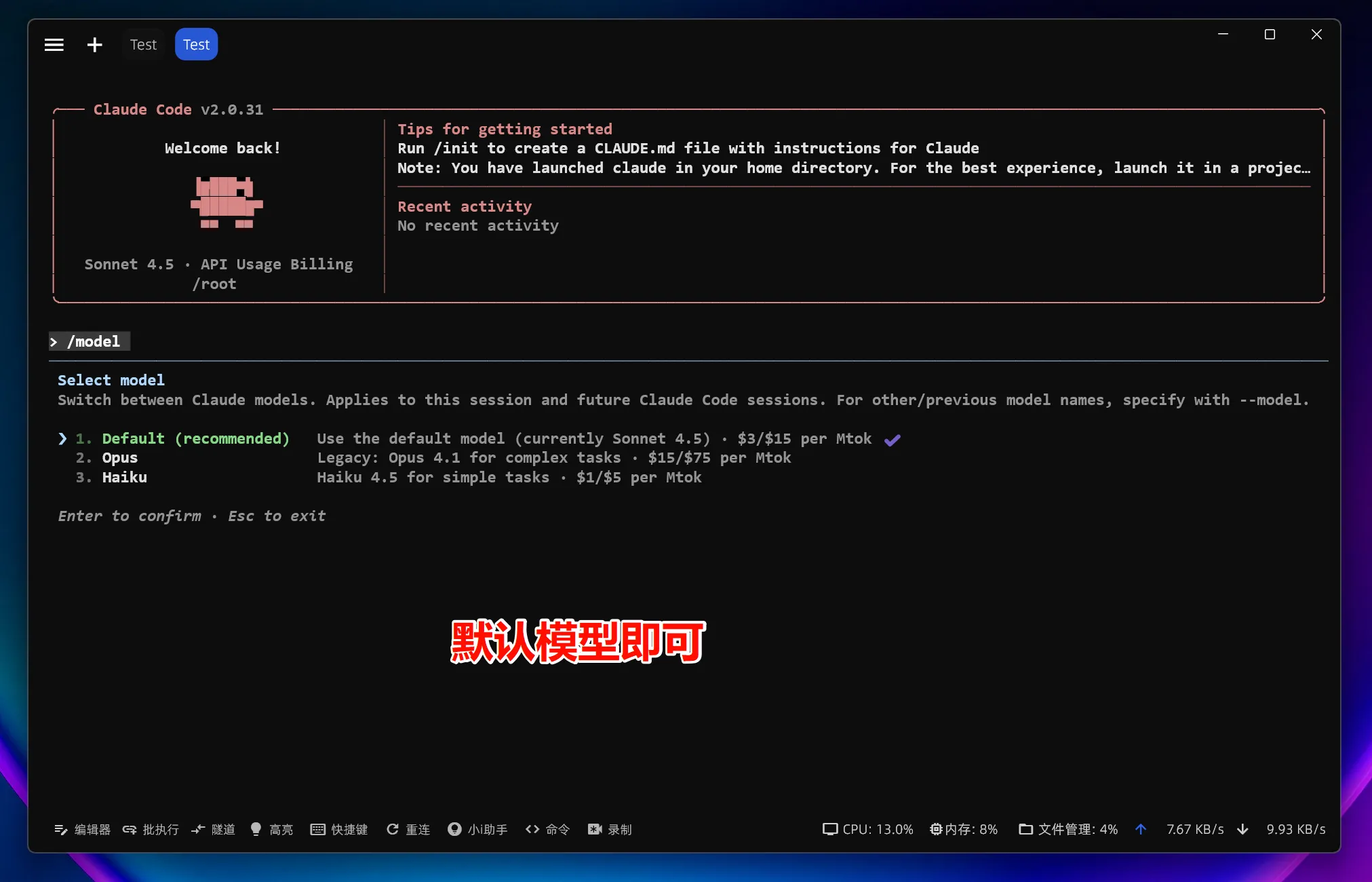
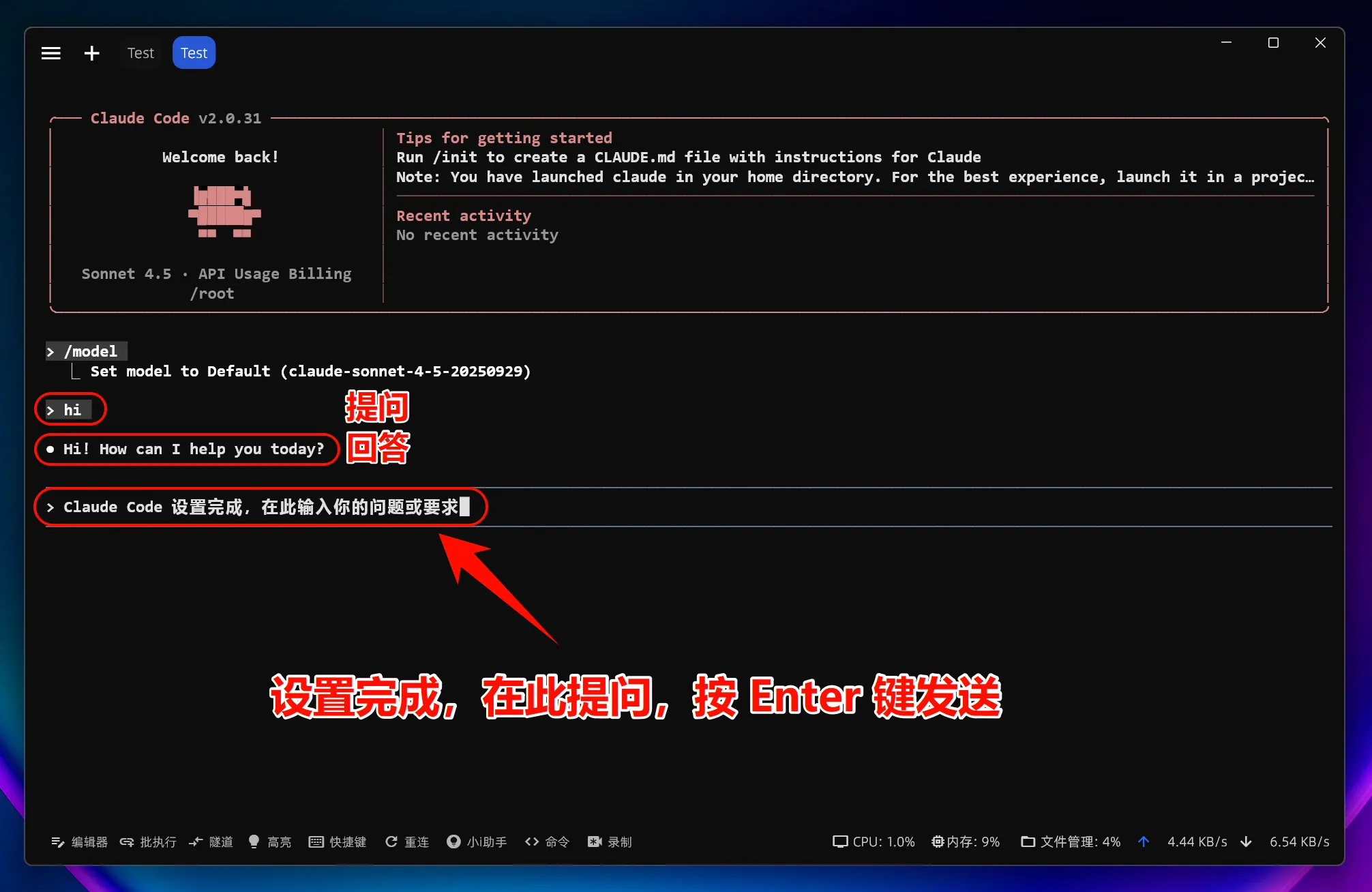
After changing
ANTHROPIC_BASE_URL, all models use the custom endpoint instead of Anthropic account quota.
4. Linux common issues
Missing dependencies
sudo apt install build-essentialOr on RHEL/CentOS:
sudo dnf groupinstall "Development Tools"Environment variables do not take effect
echo $ANTHROPIC_BASE_URL